TRENDING
How to Edit a PDF Free, Sign It and Fill Forms

5 min read
Last updated November 16, 2026
To edit a PDF for free, open it in a browser editor that adds text, covers mistakes and fills forms. Then save a new copy. You do not need Acrobat for small changes.
This guide shows how to add text, fix a typo, sign and fill a form on any device. It also explains what free editors can and cannot change.
Key Takeaways
- Most quick edits need only text, a white box and a signature.
- White out covers old words on the page you see.
- You can type into real form fields and save them.
- Use Redact, not white out, to remove private details.
- Keep your original file before you edit.
Quick links
- PDF editing facts
- How to edit a PDF
- Fix a typo
- Sign a PDF
- Fill a form
- Our hands-on test
- Frequently asked questions
PDF Editing Facts at a Glance
| Fact | Detail | Source |
|---|---|---|
| Mac built-in editor | Preview can fill out and sign PDF forms | Apple Support |
| White out vs redaction | A cover box hides text but does not delete it | Digieh redaction guide |
| Form fields found in our test | 2 of 2, filled and saved | Digieh test, November 16, 2026 |
| Test files edited without errors | 23 of 23 | Digieh test, November 16, 2026 |
How Do I Edit a PDF for Free?
Use a free browser editor that saves a new file. The Paperlume Edit PDF tool works on your own device, so your file stays private.
- Open Paperlume Edit PDF.
- Choose your PDF or drop it onto the page.
- Pick a tool, such as Text, White out or Signature.
- Tap the page where you want the change.
- Drag items to move them, or use the corner handle to resize.
- Tap Save PDF and download your edited copy.
Use the page arrows to edit other pages. Each page keeps its own changes until you save.
23/23Test files edited and saved without errors, including rotated pages and forms. Digieh test, November 16, 2026.
How Do I Fix a Typo in a PDF?
Cover the wrong word with a white box, then type the correct word on top. This works well for dates, names and small figures.
- Pick White out and drag a box over the mistake.
- Pick Text and tap just inside the white box.
- Type the new word and match the size and font.
- Zoom in to check the edges before you save.
A white box only hides the old text. Anyone can still copy it from the file. For private details, use Redact PDF instead.
Tip. Pick the font closest to the page. Helvetica suits most modern files, while Times suits letters and contracts.
How Do I Sign a PDF Without Printing It?
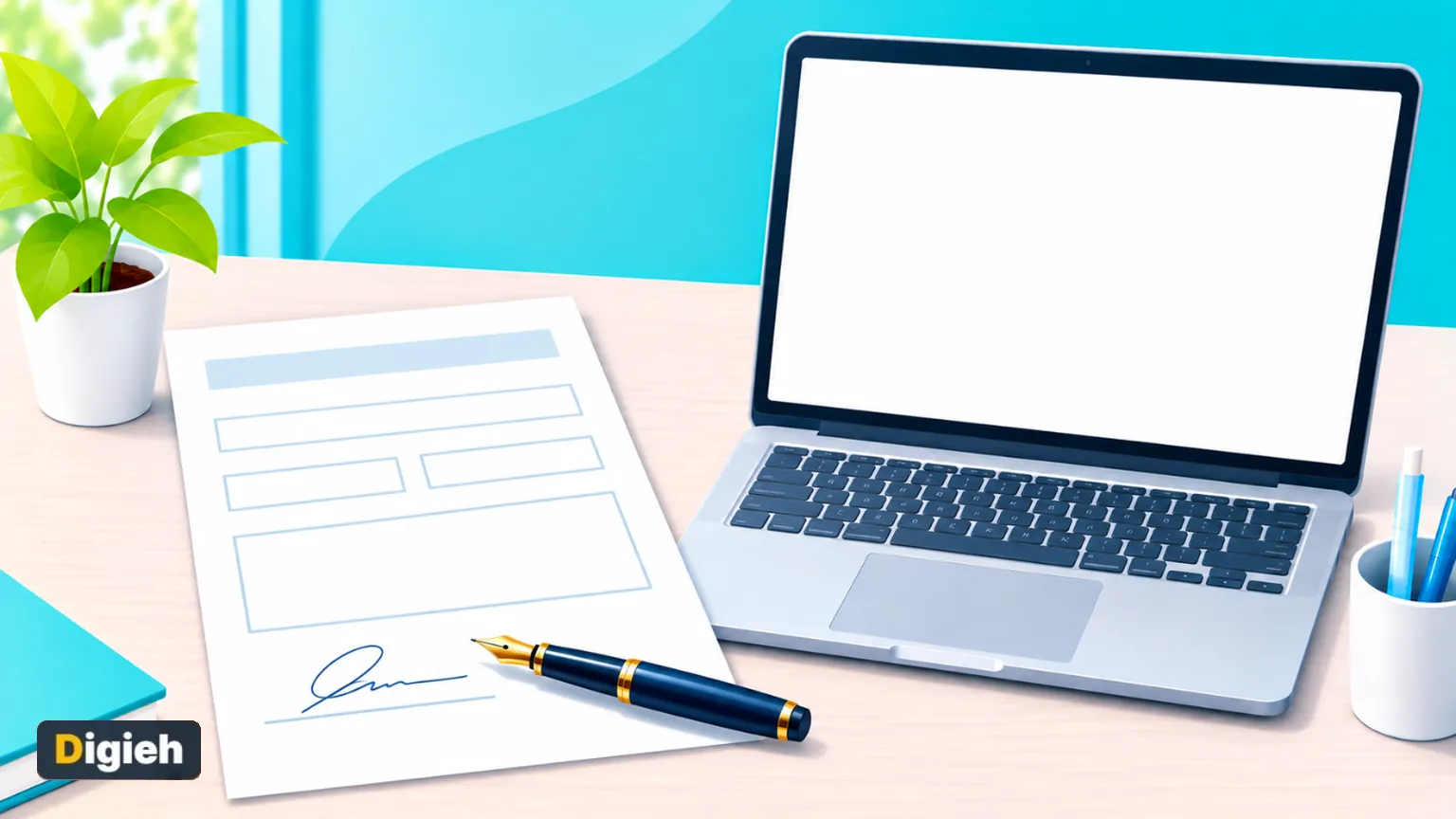
Draw your signature with a finger or mouse, or type your name in a signature style. Then place it on the line and resize it.
Paperlume adds the signature as a picture on the page. On a Mac, Preview offers a similar option, as Apple explains.
A drawn signature is fine for everyday forms. Contracts that need a certified digital signature require a signing service.
What do you edit in PDFs most often?
- Typos and dates
- Signatures
- Forms
- Not sure
How Do I Fill a PDF Form?
Open the file, and Paperlume lists every real form field on its own. Type in the boxes, tick the checkboxes and pick from the lists.
Leave the fields editable if someone else must change them later. Tick Lock the form if the answers should stay as they are.
Some forms are flat scans with no real fields. For those, add text boxes on top of each blank line.
Free updates
Join the Digieh list
Be the first to know when our weekly brief launches.
No spam. Unsubscribe anytime. Read our Privacy Policy.
Our Hands-On Test
We edited a 2-page test file on a desktop and a phone. We added English and Urdu text, a white box, a highlight, a picture and a drawn signature.
Digieh test, November 16, 2026. Method. Desktop and mobile browsers, a test file made by Digieh, saved file checked with two separate PDF programs.
| What we checked | Result |
|---|---|
| Form fields found and filled | 2 of 2 |
| Added English text | Found by a text search in the saved file |
| Urdu text | Shown correctly, saved as a picture |
| Rotated pages | Items landed in the right place |
| Saved file check | Passed with no file errors |
We also edited 23 different test files in bulk. All 23 saved without errors.
Your PDF Editing Checklist
- Keep the original file
- Fix typos with white out and text
- Sign on the right line
- Fill every form field
- Check each page
- Save and open the new copy
Need to stop others from changing it? Add a password with Protect PDF. See all our tools on the free PDF tools page.
Test Yourself
Does a white box delete the text under it?
- Yes, always
- No, it only covers it
- Only on phones
The old text stays in the file. Use redaction to delete it.
Frequently Asked Questions
Is Paperlume Edit PDF free?
Yes. It is free, with no sign-up, no watermark and no limit.
Is my PDF uploaded?
No. The editor works inside your browser, on your own device.
Can I change the original words in a PDF?
Not directly. Cover them with a white box and type new words on top.
Can I edit a PDF on my phone?
Yes. The editor works with touch in Chrome and Safari.
Conclusion
Most PDF fixes need only new text, a white box, a signature or a filled form. A free browser editor handles all four without uploading your file.
Your next step is simple. Open the free Paperlume Edit PDF tool and fix your next form in minutes.
Found this useful?
Editor’s Note
This guide is accurate as of November 16, 2026. It draws on Apple Support.
We also ran our own hands-on test of the Paperlume tool on the same date.
Apps and tools change over time. We will update this page when the steps or features change.
Spot an error in this article? Please contact us at support@digieh.com or read our Corrections Policy.
Keep exploring
Your next read is waiting
 1Pets & AnimalsHow to Brush Your Dog’s Teeth Without Stress4 min read
 2TechnologyHow to Convert Excel to PDF Without Cut-Off Columns4 min read
 3HealthFDA Adds Vision Loss Warning to Ozempic, Zepbound4 min read
 4NewsAT&T and Verizon Satellite Service, What to Know3 min read
 5EcommerceNintendo Black Friday 2026 Deals and Key Dates3 min read
 6CarsLease vs Buy a Car? Smart Money Guide8 min read