TRENDING
How to Crop a PDF and Remove White Margins

6 min read
Last updated November 16, 2026
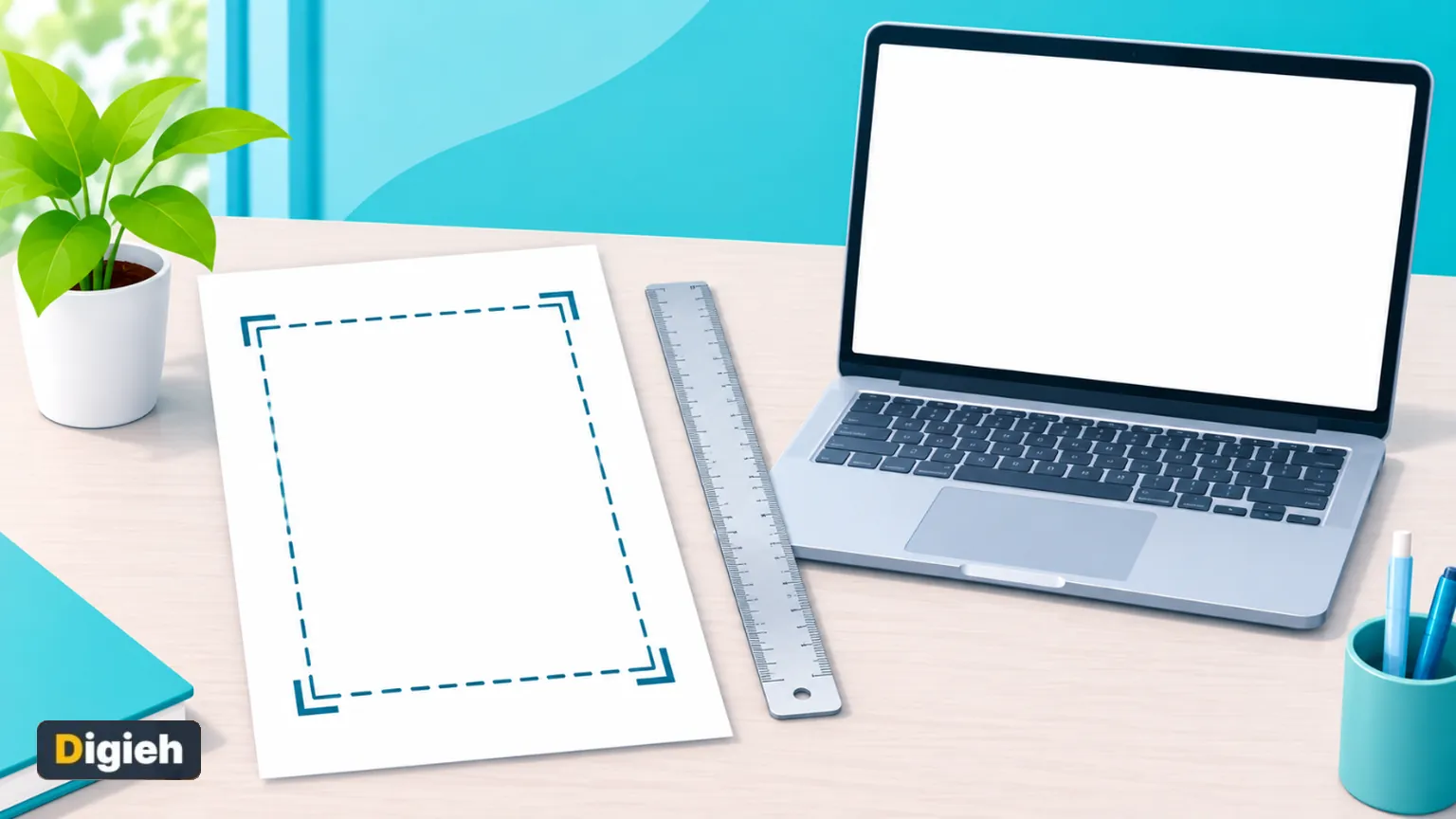
To crop a PDF, open a crop tool and drag the box or type how much to cut. Then save a new file. To remove white margins fast, use an auto trim option that finds the edges of the content for you.
This guide shows both ways on a phone or computer. It also explains one fact many guides leave out. Cropping hides the cut area but does not delete it.
Key Takeaways
- Drag a box or type exact percentages for each side.
- Auto trim finds white margins on every page.
- Crop all pages, one page or a chosen range.
- Cropping hides content, so never use it to remove private details.
- Paperlume crops in your browser without uploading the file.
Quick links
- Cropping facts
- How to crop a PDF
- Remove white margins automatically
- Crop some pages only
- What cropping really does
- Our hands-on test
- Other ways to crop
- Frequently asked questions
Cropping Facts at a Glance
| Fact | Detail | Source |
|---|---|---|
| What Preview crop does | Apple says cropping can hide content | Apple Support |
| Undo a crop in Preview | Edit menu, then Undo Crop | Apple Support |
| Text after cropping in Paperlume | 387 of 387 words still in the file | Digieh test, November 16, 2026 |
| Visible page area after auto trim | About 451 by 496 points, from 612 by 792 | Digieh test, November 16, 2026 |
| Text sharpness after cropping | Unchanged and still searchable | Paperlume tool page |
How Do I Crop a PDF?
Open a crop tool, set the area you want to keep and save. The free Paperlume Crop PDF tool shows your page with a box and four handles. Drag the handles, or type exact numbers for each side.
- Open Paperlume Crop PDF.
- Choose your PDF or drop it onto the page.
- Drag the handles to frame the part you want to keep.
- Or type percentages under Top, Right, Bottom and Left.
- Choose all pages, only the page shown or only some pages.
- Tap Crop PDF and download the new file.
The handles work with a mouse and with a finger on a phone. Typed numbers are best when you need the same cut on many files.
0.1 sTime Paperlume took to auto trim and save our test letter. Digieh test, November 16, 2026.
How Do I Remove White Margins From a PDF?
Tap Auto trim white margins. Paperlume looks at each page, finds where the text and pictures end and sets a crop box around them. It leaves a small gap so nothing touches the edge.
Each page gets its own trim. That matters for scans, where the paper often sits a little crooked in the scanner.
Use the arrows to flip through pages and check the result. Adjust any page by hand before you save.
When auto trim helps most
- Reading papers and ebooks on a small phone screen.
- Printing slides or forms larger on the paper.
- Cleaning up scans with dark scanner edges.
- Fitting page images neatly into reports.
Quick tip. Trimmed margins make text look bigger on a phone. Academic papers become much easier to read on the go.
Can I Crop Only Some Pages?
Yes. Under Crop which pages, pick Only the page shown or Only these pages, with a range like 2-4, 9. The other pages keep their full size.
This is handy for a report with one wide chart. Crop that page alone and leave the text pages untouched.
Why do you usually crop PDFs?
- Remove white margins
- Cut out a chart or picture
- Clean up scans
- Not sure
Does Cropping a PDF Delete the Cut Part?
No. Cropping changes the visible part of the page, but the cut area usually stays inside the file. Anyone with the right software can show it again.
Apple notes that cropping in Preview can hide content. Hidden is not the same as gone.
Our own test confirmed this. After we cropped a letter, all of its words could still be pulled out of the file as text.
That is fine for margins and layout. It is not safe for hiding names, account numbers or signatures.
Important. To remove private details for real, use a redaction tool that deletes the content underneath. Never rely on cropping or a black box drawn on top.
Cropping also rarely shrinks a file much, since the hidden parts remain. To make a PDF smaller, see our guide to reducing PDF file size for email.
Our Hands-On Test
We tested Paperlume Crop PDF on a one-page letter we made. We tapped Auto trim white margins and saved.
Digieh test, November 16, 2026. Method. Desktop Chromium browser, one text PDF made by Digieh, crop box and text checked with separate PDF tools.
| What we checked | Result |
|---|---|
| Pages trimmed by auto trim | 1 of 1 |
| Page size before | 612 by 792 points, a letter-size page |
| Visible area after | About 451 by 496 points |
| Words in the file before and after | 387 and 387 |
| File size before and after | 12.5 KB and 10.5 KB |
The trim was tight and neat. The word count shows the cut text was hidden, not removed, exactly as expected.
Free updates
Join the Digieh list
Be the first to know when our weekly brief launches.
No spam. Unsubscribe anytime. Read our Privacy Policy.
Other Ways to Crop a PDF
Preview on a Mac
Preview can crop with its Rectangular Selection tool. Apple lists the steps in its guide to cropping or rotating a PDF in Preview.
Preview crops one area at a time. Paperlume adds exact percentages and automatic margins.
Crop while scanning
Phone scanners let you adjust corners before saving. Google explains this in its guide to scanning with Google Drive.
Apple covers the iPhone in how to scan documents.
A good scan needs less cropping later. Lay the paper on a dark, flat surface for clean edges.
| Method | Auto trim margins | Exact numbers | Uploads your file |
|---|---|---|---|
| Paperlume Crop PDF | Yes, per page | Yes, in percent | No |
| Mac Preview | No | No | No |
| Phone scanner apps | Corner detection only | No | Depends on the app |
Mistakes to Avoid
- Cropping to hide private information.
- Cutting too close and clipping page numbers.
- Applying one crop to pages with different layouts.
- Expecting cropping to make the file much smaller.
- Saving over the original file.
Turn sideways pages first with Rotate PDF, so the crop box lines up. Then add numbers with Page Numbers if you need them.
Find all our tools on the free PDF tools page.
Your Cropping Checklist
- Fix sideways pages first
- Try auto trim for white margins
- Check a few pages with the arrows
- Crop only the pages that need it
- Never crop to hide private details
- Save a new copy and review it
Try this today. Auto trim a PDF you read on your phone. Compare how large the text looks before and after.
Test Yourself
What happens to the cut area when you crop a PDF?
- It is deleted forever
- It is hidden but usually still in the file
- It turns black
Cropping changes the visible area. The content underneath usually remains in the file.
What should you use to remove private details for real?
- A crop tool
- A black box drawn on top
- A redaction tool
Redaction deletes the content underneath. Crops and drawn boxes only cover it.
Frequently Asked Questions
Is cropping a PDF free with Paperlume?
Yes. Paperlume Crop PDF is free, with no sign-up and no watermark.
Does cropping lower text quality?
No. Text stays sharp and searchable, since pages are not turned into pictures.
Can I crop a PDF on my phone?
Yes. Drag the handles with your finger, or type exact numbers for each side.
Why is my cropped PDF almost the same size?
The hidden parts usually stay in the file. Use a compressor if you need a smaller file.
Conclusion
Cropping is the fastest way to remove margins and focus on what matters. Use auto trim for clean edges, and remember that it hides rather than deletes.
Your next step is quick. Open the free Paperlume Crop PDF tool and trim your next file.
Found this useful?
Editor’s Note
This guide is accurate as of November 16, 2026. It draws on Apple Support and Google Drive Help.
We also ran our own hands-on test of the Paperlume tool on the same date.
Apps and tools change over time. We will update this page when the steps or features change.
Spot an error in this article? Please contact us at support@digieh.com or read our Corrections Policy.
Keep exploring
Your next read is waiting
 1EcommerceHow to Write Product Descriptions That Really Sell4 min read
 2HealthThe Vital Truth About Losing Measles Elimination Status5 min read
 3Finance & MarketsBiggest Government Debts by Country in 2026, Ranked4 min read
 4TechnologyHow to Rearrange PDF Pages Without Losing Bookmarks7 min read
 5Food & LifestyleTurkey Cooking Time by Weight, the Easy Chart4 min read
 6Pets & AnimalsSenior Dog Care Tips Every Owner Should Know3 min read