TRENDING
ChatGPT Live Dictation Ends the 10-Minute Recording Limit
ChatGPT Live Dictation shows your words as you talk and drops the 10-minute limit on all plans. How to use it, dictation vs Voice and privacy settings to check.

4 min read
Last updated November 21, 2026
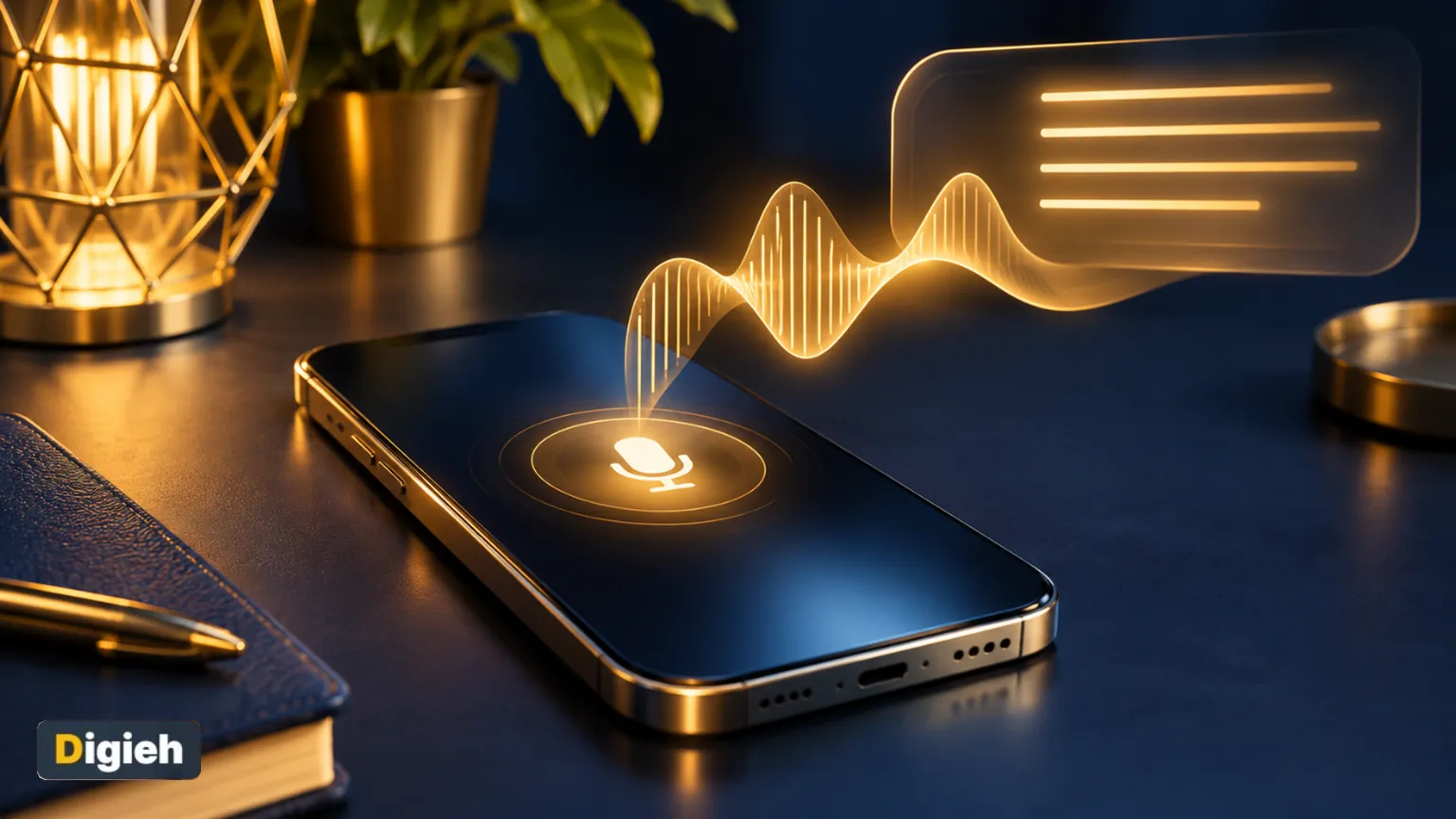
ChatGPT now writes down your words while you are still talking. The old 10-minute recording limit is gone too.
OpenAI calls this Live Dictation. It started rolling out on November 18, 2026, to every ChatGPT plan, including the free one.
Key Takeaways.
- Your speech turns into text as you talk, so you no longer wait for a long recording to finish.
- The 10-minute recording limit has been removed.
- It works on iPhone, Android, the web and the desktop app, on all plans.
- You can stop OpenAI from using your audio for training in Data controls.
Jump to a section
- What changed
- How to use it
- Dictation vs Voice
- Privacy settings
- Tips for long notes
- What happens next
- Frequently asked questions
- Conclusion
What Changed in ChatGPT Dictation
Before, ChatGPT recorded your whole message first and only then turned it into text. Long recordings meant a long wait.
Now the words appear on screen as you speak. You can tap the waveform to show or hide the text, says OpenAI’s release notes.
10 minutesThe old recording limit for one dictated message. OpenAI removed it with Live Dictation, per its release notes.
Good to know. The rollout is gradual. If you do not see live text yet, update the app and check again in a few days.
How to Use Live Dictation in ChatGPT
- Open a chat in the ChatGPT app or on the website.
- Tap or click the microphone icon in the message box.
- Start talking. Your words show up as you go.
- Tap the waveform if you want to hide or show the live text.
- Stop the recording, fix any wrong words, then send.
The microphone icon is the dictation button. The separate sound wave button starts a spoken conversation instead. Digital Trends also notes the change applies across all plans and platforms.
Dictation vs ChatGPT Voice
| Feature | Live Dictation | ChatGPT Voice |
|---|---|---|
| What it does | Turns your speech into text you can edit | Talks back to you out loud |
| Best for | Long prompts, notes and drafts | Hands-free questions and practice |
| You can edit before sending | Yes | No |
| Time limit | 10-minute limit removed | Daily limits depend on your plan |
| Plans | All plans | All plans, with different limits |
Source: OpenAI release notes and the Voice Dictation help page, checked November 21, 2026.
Privacy Settings to Check
Your dictation audio is kept as long as the chat stays in your history. If you delete the chat, OpenAI deletes the audio within 30 days, with some legal and security exceptions.
If you share audio to improve OpenAI’s models, dictation audio may be used for training. Business accounts are not used for training by default, says the Voice Dictation help page.
How to stop sharing your audio
- Open ChatGPT Settings.
- Go to Data controls.
- Turn off Include your audio recordings.
- Or turn off Improve the model for everyone to stop sharing all data.
Turning this off stops audio sharing for both dictation and voice chats. Worried about voice misuse in general? Read our guide to spotting voice scam calls.
Will you use Live Dictation instead of typing?
- Yes, for long messages
- Only on my phone
- No, I prefer typing
- Not sure
Free updates
Join the Digieh list
Be the first to know when our weekly brief launches.
No spam. Unsubscribe anytime. Read our Privacy Policy.
Tips for Long Dictated Notes
- Find a quiet room or use earphones with a microphone.
- Say your main point first, then add the details.
- Pause between ideas so the text is easier to fix later.
- Read the text before you send it, especially names and numbers.
- Ask ChatGPT to tidy your dictated draft into bullet points.
Pair it with the right model for the job. Our guide to GPT-6.2 Astra vs Sol explains which one to pick.
What Happens Next
OpenAI says it will retire Advanced and Standard voice from ChatGPT Voice on December 11, 2026. GPT-Live will become the main voice model, per the same release notes.
OpenAI has not named a new maximum length for dictation. We will update this page if it does. Other assistants are adding similar tools, like Gemini voice commands on Android.
Try this today. Dictate a two-minute note about your week. Then ask ChatGPT to turn it into a to-do list.
Test Yourself
Which button starts Live Dictation in ChatGPT?
- The sound wave button
- The microphone icon
- The plus button
The microphone icon is dictation. The sound wave button starts a spoken ChatGPT Voice conversation.
Frequently Asked Questions
Is ChatGPT Live Dictation free?
Yes. OpenAI says it is rolling out to all ChatGPT plans, including Free.
How long can I dictate now?
The 10-minute limit is gone. OpenAI has not announced a new maximum.
Does ChatGPT keep my voice recordings?
The audio stays as long as the chat does. Deleted chats lose their audio within 30 days, with some exceptions.
Conclusion
Live Dictation makes long voice messages practical in ChatGPT. It is free and works on every device.
Your next step is to check your Data controls, then try dictating one long message today.
Editor’s Note
This article is accurate as of November 21, 2026. Details come from OpenAI’s ChatGPT release notes and Voice Dictation help page. The tips are Digieh’s own advice.
Spot an error in this article? Please contact us at support@digieh.com or read our Corrections Policy.
Keep exploring
Your next read is waiting
 1TechnologyHow to Make a Boomerang GIF From Video7 min read
 2NewsVerstappen Wins 2026 Las Vegas Grand Prix: Results4 min read
 3HealthHotel Chocolat Recall: Christmas Boxes and Salmonella Risk4 min read
 4AI & TechGoogle Homepage Redesign: AI Chats Replace Search Button4 min read
 5Finance & MarketsChase Vendor Data Breach: What Customers Should Do4 min read
 6Pets & AnimalsDog Vomiting: Causes, Home Care and Vet Signs7 min read
Found this useful?