TRENDING
Gaming Eye Strain and the 20-20-20 Rule Explained

7 min read
Last updated November 17, 2026
To ease eye strain from gaming, follow the 20-20-20 rule. Every 20 minutes, look at something about 20 feet away for 20 seconds.
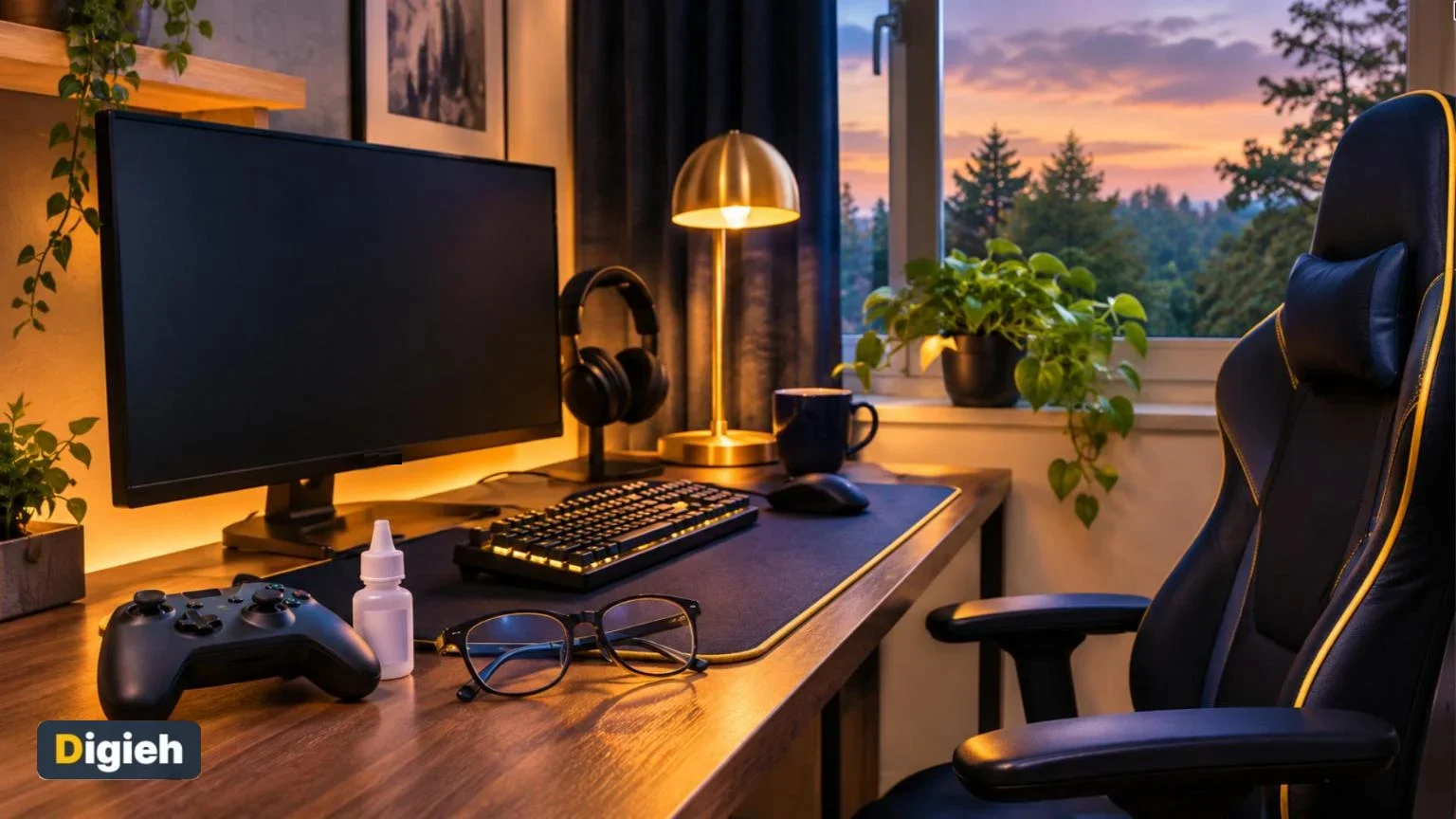
Sit an arm’s length from the screen, blink often and adjust brightness to match the room. This guide explains why gaming tires your eyes and how to keep playing comfortably.
Key Takeaways
- Use the 20-20-20 rule during long gaming sessions.
- Sit about 18 to 25 inches from a computer screen.
- Match screen brightness to the light in your room.
- Use artificial tears if your eyes feel dry.
- See an eye doctor if symptoms do not improve with rest.
Jump to a section
- Why gaming strains your eyes
- Common symptoms
- The 20-20-20 rule
- Set up your screen
- Build healthy gaming habits
- Do blue light glasses help
- When to Get Help
Why Gaming Strains Your Eyes
Gaming keeps your eyes locked on a bright, close screen for long stretches. That steady focus tires the eye muscles.
Mayo Clinic explains that people blink less when they look at screens. Less blinking lets the surface of the eye dry out.
Mayo also notes the highest risk for people who stare at screens for two or more hours straight. Many gaming sessions last much longer than that.
How common it is
An American Optometric Association (AOA) survey found that 58 percent of adults reported digital eye strain from computer use.
Good to know. Eye strain is usually temporary. Mayo Clinic says it is not considered serious or long-lasting, and it often eases with rest.
Common Symptoms of Eye Strain
Symptoms often build slowly during a long session. Watch for these signs, which Mayo Clinic lists.
- Sore, tired, burning or itchy eyes
- Watery or dry eyes
- Blurred or double vision
- Headache
- Sore neck, shoulders or back
- Sensitivity to light
- Trouble concentrating
If you feel these after gaming, take a break before they get worse. Short pauses help more than one long rest at the end.
How long is your usual gaming session?
- Under one hour
- One to three hours
- More than three hours
- Not sure
The 20-20-20 Rule
The 20-20-20 rule is the simplest habit to protect your eyes. Both the American Academy of Ophthalmology (AAO) and the AOA recommend it.
| Number | What it means |
|---|---|
| 20 minutes | How often to take a break |
| 20 feet | How far away to look |
| 20 seconds | How long to look away |
The AAO adds that you can close your eyes for those 20 seconds instead. That also helps rest your focus.
How to fit it into gaming
- Look away during loading screens and cutscenes.
- Use match breaks or respawn timers as eye breaks.
- Set a gentle timer on your phone for solo sessions.
- Look out a window at the farthest object you can see clearly, like a tree.
Quick tip. Make a game of it. Every time you finish a round, find the farthest thing in the room and focus on it for a slow count of 20.
Set Up Your Screen to Reduce Strain
Good screen setup takes pressure off your eyes for every session. A few small changes can make a big difference.
| Setting | What experts suggest | Source |
|---|---|---|
| Distance from computer screen | 18 to 25 inches, about arm’s length | AAO |
| Screen height | Top slightly below eye level, so you look a little down | AAO |
| Brightness and contrast | Adjust to feel comfortable for the room | AAO |
| Glare | Use glare filters and avoid bright light behind you | AOA |
Gaming on a TV
Sit farther from a large TV than from a desktop monitor. Keep some soft room lighting on, so the screen is not the only bright spot.
Handheld and phone gaming
Small screens tempt you to hold them close. Try to keep phones and handheld consoles at a comfortable reading distance, not right at your nose.
Increase text size in game settings where possible. Bigger text means less squinting, especially during long play sessions on the couch.
Keep the screen clean
Smudges and dust make text harder to read. Our guide on cleaning phone and laptop screens shows safe methods.
Posture matters too. A slumped position strains your neck as well as your eyes. See our tips for better posture at your desk.
Keep Your Eyes Moist
Dry eyes are a big part of gaming eye strain. You can fight dryness in simple ways.
- Blink fully and often, especially during intense moments.
- Use over-the-counter artificial tears if your eyes feel dry.
- Run a humidifier in dry rooms, especially in winter.
- Point fans and air vents away from your face.
The AAO recommends artificial tears and a humidifier to ease dry eye. Mayo Clinic also lists dry air from fans and heating as a cause of eye strain.
58%Share of adults who reported digital eye strain from computer use in an AOA survey.
Light Your Gaming Room Well
Many gamers play in a dark room with only the screen glowing. That big contrast can make your eyes work harder.
- Keep a soft lamp on behind or beside your screen.
- Avoid bright windows directly behind the monitor.
- Close blinds if sunlight creates glare on the screen.
- Use warm, indirect light rather than harsh overhead bulbs.
Mayo Clinic lists glare, bright light and straining in dim light among the causes of eye strain. Balanced lighting helps you avoid all three.
Free updates
Join the Digieh list
Be the first to know when our weekly brief launches.
No spam. Unsubscribe anytime. Read our Privacy Policy.
Build Healthy Gaming Habits
Your eyes are only part of the picture. Long sessions also affect your sleep, posture and focus.
- Stand up and stretch at least once an hour.
- Drink water during long sessions.
- Stop gaming an hour before bed when you can.
- Plan screen-free activities, like walks, between sessions.
Mayo Clinic notes that stress and fatigue can make eye strain worse. Rested eyes handle long sessions much better.
Think of breaks as part of the game plan. A short rest between matches is a smart habit, and fresh eyes feel far more comfortable on screen.
Tips for parents of young gamers
Children may not notice eye strain or may not say anything. Watch for eye rubbing, squinting or complaints of headaches after playing.
Build breaks into game time, and book regular eye exams for kids. Good habits learned early tend to last.
Do Blue Light Glasses Help?
Blue light glasses are popular with gamers. However, the evidence does not support them for eye strain.
The AAO says it does not recommend blue light glasses. It explains that there is no scientific evidence that screen blue light causes eye strain or eye damage.
Breaks, blinking and good screen setup do far more. Save your money for a comfortable chair or a better monitor stand.
Glasses that may help
If you struggle to see your screen clearly, ask your eye doctor. The AAO notes that special computer glasses can help some people focus at screen distance.
When to Get Help
Most eye strain improves with rest. Mayo Clinic advises seeing an eye specialist if self-care does not relieve your symptoms.
- Blurry or double vision that does not clear after rest
- Headaches that keep coming back after screen time
- Eye pain, redness or discharge
- Sudden changes in vision
Seek urgent care for sudden vision loss, flashes of light or severe eye pain. These need prompt medical attention.
An uncorrected vision problem can also cause strain. A regular eye exam checks whether you need glasses or an updated prescription.
Good to know. This article is for information only and is not medical advice. See an eye doctor about any lasting or worrying eye symptoms.
- Follow the 20-20-20 rule
- Sit an arm’s length from the screen
- Match brightness to the room
- Blink often and use artificial tears if dry
- Book an eye exam if symptoms continue
Gaming a lot every day? Our guide on reducing screen time offers ways to build healthier habits.
Try this today. Set a 20-minute timer during your next session. Each time it rings, look out a window for 20 seconds.
Test Yourself
What does the 20-20-20 rule mean?
- Play 20 games, then rest 20 minutes
- Every 20 minutes, look 20 feet away for 20 seconds
- Sit 20 inches away for 20 minutes
The rule gives your eye muscles regular short breaks from close focus.
What does the AAO say about blue light glasses?
- Everyone should wear them
- Only gamers need them
- It does not recommend them
The AAO says there is no scientific evidence that screen blue light causes eye strain.
Frequently Asked Questions
Can gaming damage your eyes permanently?
Eye strain is usually temporary. Rest and good habits typically relieve it.
Is dark mode better for my eyes?
Some people find it more comfortable in dim rooms. Use whichever setting feels easier for you.
How often should gamers get eye exams?
Follow your eye doctor’s advice. Go sooner if you notice vision changes.
Do eye drops help with gaming eye strain?
Artificial tears can ease dryness. Ask a pharmacist which type suits you.
Conclusion
Gaming eye strain is common but easy to manage. Take 20-20-20 breaks, set up your screen well and keep your eyes moist.
Your next step is to adjust your screen distance and brightness before your next gaming session tonight.
Found this useful?
Editor’s Note
This guide is accurate as of November 17, 2026. It draws on the American Academy of Ophthalmology, the American Optometric Association and Mayo Clinic.
Everyone’s eyes are different. Talk to an eye doctor for advice that fits your vision.
Spot an error in this article? Please contact us at support@digieh.com or read our Corrections Policy.
Keep exploring
Your next read is waiting
 1RecipesSoft and Chewy Chocolate Chip Cookies Made Easy6 min read
 2Education & CareersHow to Write a Professional Email, With Examples8 min read
 3PhonesShould You Buy a Refurbished Phone? Smart Checks8 min read
 4Parenting & FamilyCar Seat Stages by Age, the Safest Choice8 min read
 5Fitness & ExerciseHeart Rate Zones Explained, With a Free Calculator7 min read
 6InsuranceWhat to Do Right After a Car Accident8 min read