TRENDING
Gemini Omni 1.2 Flash Is Faster and Cheaper

4 min read
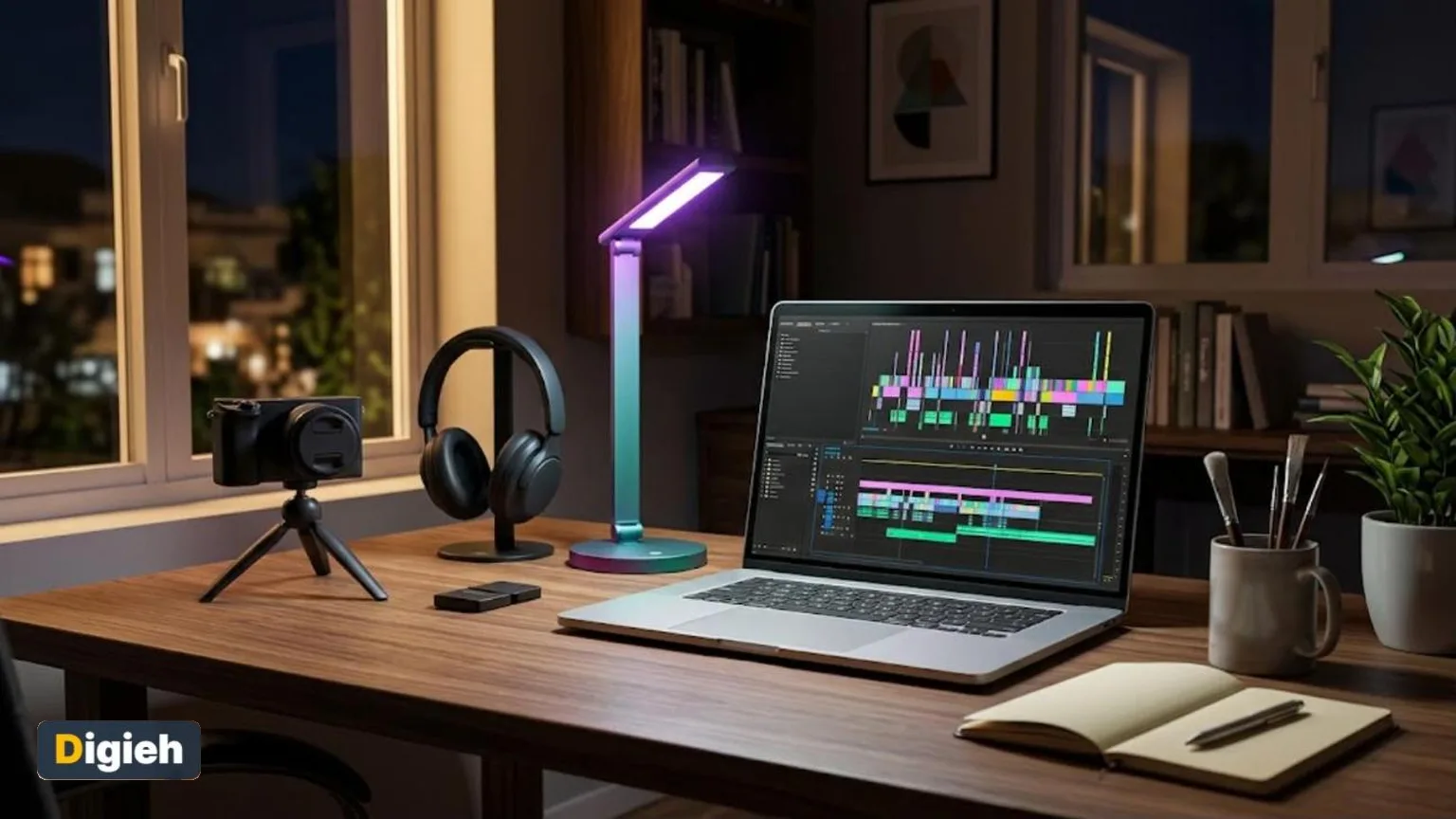
Google launched its Gemini Omni 1.2 Flash on November 5, 2026. The new video tool makes clips up to 15 seconds long and costs 30% less than version 1.1.
Key Points
- Clips can now run up to 15 seconds, up from 10 seconds before.
- The price for 720p video dropped to $0.07 per second, a 30% cut.
- The model is available to developers, businesses and some Gemini app users.
What Is New in Gemini Omni 1.2 Flash
Gemini Omni is Google’s tool for making videos from text, images and sound. The new 1.2 Flash version focuses on longer clips and lower costs, according to the official Google blog.
Users can now set a clip length anywhere from 3 to 15 seconds, in one-second steps. The older 1.1 version stopped at 10 seconds.
Google says the model also keeps characters and scenes steadier from shot to shot. It handles tricky camera moves with fewer jumpy cuts.
The update arrives about six months after Google first showed Gemini Omni in May 2026. Rival tools from other tech companies are racing to offer longer and cheaper clips too.
15 secLongest clip Gemini Omni 1.2 Flash can make, up from 10 seconds, according to Google.
Cheaper Ways to Make Videos
Price is a big part of this update. Video at 720p quality now costs $0.07 per second through the Gemini programming interface. That is 30% less than before.
Creators can also save money by drafting first. They can make a rough version at 360p or 720p and fix it with follow-up edits. Then they can upscale it to 1080p or 4K.
Google lists full details on its Gemini developer pricing page. Prices can change, so check the page before you start a big project.
Good to know. Drafting at low quality first, then upscaling, can cut the cost of making videos with this tool.
Better Editing and Speech
The model lets people edit a clip through conversation. For example, a user can ask it to swap the background or change the lighting without starting over.
It also accepts reference material. Users can add pictures of a character or product, short motion clips up to three seconds, and audio cues.
Speech got an upgrade too. Google says dialogue sounds more natural, lips sync more clearly and several speakers can talk in one scene.
Would you use a tool like this to make videos?
- Yes, for work
- Yes, for fun
- Maybe later
- No
Free updates
Join the Digieh list
Be the first to know when our weekly brief launches.
No spam. Unsubscribe anytime. Read our Privacy Policy.
Where You Can Use It
Developers can use the model through the Gemini programming interface. Businesses can reach it through Google Cloud’s Vertex platform.
Subscribers to Google’s top Ultra plan are getting 15-second videos in the Gemini app. Google Vids users can make 15-second clips at no extra cost with a Google account.
The tool also powers Flow, Google’s filmmaking app, and helps advertisers build video campaigns in Google Ads.
This wide rollout means many people may soon see Omni-made clips online. Small businesses could use it for quick product videos. Teachers might use it to make short lessons more lively.
Safety and Limits
Every video carries a hidden watermark called SynthID. Google designed it to help people identify content made with its tools.
The model still has limits. Google says it is working on fast sports action, quick script changes and complex physics. So some scenes may still look a little off.
As artificial intelligence videos get more realistic, it helps to know the warning signs. Our guide on how to spot fake images and deepfakes explains simple checks anyone can use.
Try this today. Write a three-sentence idea for a 15-second video. Describe the scene, the action and the mood.
Frequently Asked Questions
How long can Gemini Omni 1.2 Flash videos be?
Clips can run from 3 to 15 seconds. The earlier 1.1 version topped out at 10 seconds.
How much does Gemini Omni 1.2 Flash cost?
Google lists 720p video at $0.07 per second through its developer interface. That is 30% cheaper than version 1.1.
Can I try it for free?
Google Vids users can make 15-second clips at no extra cost. Writing clear prompts helps, so see our guide on how to write better prompts.
Found this useful?
Editor’s Note
This story is accurate as of November 6, 2026. It draws on Google’s November 5 announcement. Prices, features and availability may change as the rollout continues.
Spot an error in this article? Please contact us at support@digieh.com or read our Corrections Policy.
Keep exploring
Your next read is waiting
 1HealthHow to Take a Power Nap That Leaves You Refreshed8 min read
 2BusinessHow to Write a Cover Letter: Simple Guide8 min read
 3AI & TechHow to Use AI to Write Emails: Easy Steps8 min read
 4NewsBee Hives Are a Surprising Living Immune System4 min read
 5Finance & MarketsWhy the Gold Price Soared Back Above $4,1004 min read
 6EntertainmentHow to Start Drawing as a Beginner8 min read