TRENDING
How to Host a Karaoke Night at Home

8 min read
Last updated November 6, 2026
To host karaoke at home, connect a television (TV) or speaker to a free karaoke video channel or app. Add one or two microphones, set up a small stage area and make a song sign-up list. Keep snacks simple and cheer every singer, no matter how it sounds.
Karaoke turns any gathering into a fun memory. You need very little gear to throw a great party.
Key Takeaways
- A TV or speaker and free karaoke videos are enough.
- Wireless mics make it more fun.
- Use a sign-up list to keep turns fair.
- Pick a mix of easy, popular songs.
- Keep the mood light and supportive.
On This Page
- What You Need
- How to Host Karaoke Step by Step
- Song Ideas by Group
- Party Tips
- Keep It Fun for Everyone
- Free Ways to Find Karaoke Tracks
- Set Up Sound Without Feedback
- Protect Everyone’s Hearing
- Be a Good Neighbor
- Serve Easy Snacks and Drinks
- Help Shy Guests Join In
- Add Games and Friendly Scoring
- Host a Kids’ Karaoke Party
- Drink Responsibly and Get Home Safely
- Set the Mood With Lights
- Plan a Virtual Karaoke Night
- Keep Microphones Clean
- Host on a Budget
What You Need
A smart TV, laptop or tablet can play karaoke videos with on-screen lyrics.
A Bluetooth speaker and one or two microphones boost the fun.
Many free video sites have karaoke versions of popular songs. Make a playlist before the party so you are not searching all night.
Some phones and smart TVs also have karaoke apps with scoring features.
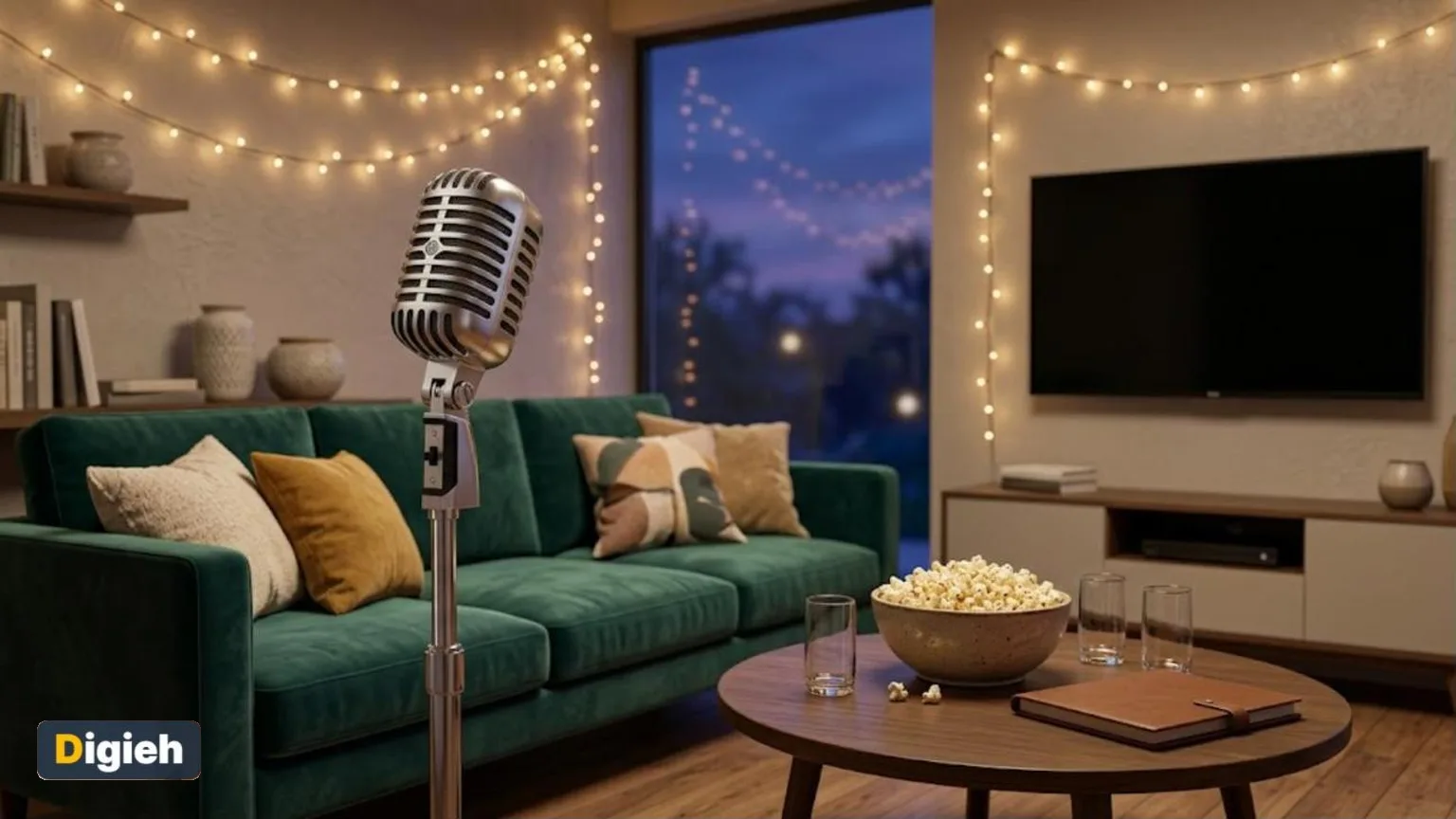
2Microphones and a screen are all you need for karaoke night.
How to Host Karaoke Step by Step
1. Set Up the Screen
Place the TV or screen where everyone can see the lyrics.
2. Test the Sound
Check the mic and speaker volume before guests arrive.
3. Create a Stage Area
Clear a small space. Add string lights for a party feel.
Quick tip. Turn the music track slightly lower than the mic. Singers sound better and feel more confident.
4. Start a Sign-Up List
Use a notepad or whiteboard so everyone gets a turn.
5. Break the Ice
Ask a confident friend to sing first. Group songs help shy guests join in.
What is your karaoke style?
- Solo star
- Duet partner
- Group sing-along
- Proud audience member
Song Ideas by Group
| Group | Song Style |
|---|---|
| Family | Classic sing-along hits |
| Friends | Upbeat pop and rock |
| Holiday party | Festive favorites |
| Shy crowd | Group duets and choruses |
Use this calculator to plan how many songs fit your party.
Karaoke song planner
Good to know. This assumes about four minutes per song, including the change between singers.
- TV, laptop or tablet
- Speaker
- One or two microphones
- Song playlist
- Sign-up sheet
- Snacks and drinks
- Fun props
Party Tips
Serve easy finger foods and drinks. Keep cups away from electronics.
Hand out silly props like hats and sunglasses for photos.
Set up a photo corner with a simple backdrop. Guests love sharing pictures later.
Keep It Fun for Everyone
Cheer for every singer. No judging allowed.
Let people sing in pairs if they feel nervous. Keep the volume friendly for neighbors.
Try Fun Themes
Pick a decade night, a movie musical night or a holiday theme. Guests can dress up to match.
Give small prizes for best performance, best costume and bravest singer.
Add to calendar
Free Ways to Find Karaoke Tracks
You do not need a pricey machine to host karaoke. Many video sites offer karaoke versions with lyrics on screen.
Search the song title plus the word “karaoke.” Pick versions with clear lyrics and good sound quality.
Build a playlist before guests arrive. This saves time and keeps the party moving.
Some music apps also show synced lyrics while songs play. These work well for casual sing-alongs.
Set Up Sound Without Feedback
Feedback is that loud squeal from a microphone. It happens when the mic picks up sound from the speaker.
Place speakers in front of the singer, facing the crowd. Keep the microphone pointed away from the speakers.
Start with the volume low and raise it slowly. Test the setup before guests arrive.
A simple wireless mic that connects to your speaker or TV is enough for most homes.
Protect Everyone’s Hearing
Karaoke nights can get loud fast. Long periods of loud sound can harm your hearing.
The Centers for Disease Control and Prevention (CDC) explains how to prevent hearing loss from loud noise. Keeping the volume reasonable is a simple first step.
Give guests a quiet space to take a break. Offer foam earplugs for anyone who wants them.
Be a Good Neighbor
Not everyone nearby wants to hear your concert. Let neighbors know about your party ahead of time.
Check local quiet hours and wrap up loud singing before then. Close windows to keep sound inside.
Invite neighbors to join the fun. People complain less when they are part of the party.
Serve Easy Snacks and Drinks
Singers need fuel between songs. Choose finger foods that are easy to eat with one hand.
Popcorn, veggie trays, sliders and cookies work well. Avoid messy foods that leave sticky fingers on the mic.
Keep cold dips and meats chilled. The United States Department of Agriculture (USDA) warns about the food danger zone, between 40 and 140 degrees Fahrenheit.
Offer water and fun alcohol-free drinks. Warm tea with honey is a treat for tired voices.
Help Shy Guests Join In
Some guests feel nervous about singing alone. Make it easy for them to join without pressure.
Start with group songs that everyone knows. Duets and trios also take the spotlight off one person.
Let people pass if they want to. A supportive crowd makes everyone braver.
Free updates
Join the Digieh list
Be the first to know when our weekly brief launches.
No spam. Unsubscribe anytime. Read our Privacy Policy.
Add Games and Friendly Scoring
Games add extra laughs to the night. Try a “finish the lyric” round where the music stops mid-song.
Hand out silly awards like Best Dance Moves or Most Dramatic Performance. Keep scoring light and fun.
Draw song genres from a hat for a surprise challenge. Guests might end up singing a country ballad or a disco hit.
Host a Kids’ Karaoke Party
Kids love karaoke, especially songs from favorite movies. Pick family-friendly tracks ahead of time.
Keep the party shorter, about one to two hours. Give each child a turn and a round of applause.
Set the volume lower for young ears. Provide simple props like toy microphones and sunglasses.
Drink Responsibly and Get Home Safely
If you serve alcohol, plan for safe rides home. Encourage guests to pick a designated driver.
The National Highway Traffic Safety Administration (NHTSA) explains the dangers of drunk driving. Offer a couch or help call a ride service when needed.
Stop serving alcohol about an hour before the party ends. Switch to water, coffee and dessert.
Set the Mood With Lights
Lighting can turn a living room into a mini stage. String lights and colorful bulbs add instant fun.
Dim the main lights and place a lamp near the singer. A spotlight effect makes guests feel like stars.
Light-emitting diode (LED) strips that change color are inexpensive and easy to set up.
Plan a Virtual Karaoke Night
Friends who live far away can still join in. Use a video call app and take turns singing.
Ask each person to play their own track from their device. This avoids sound delays.
Mute everyone except the singer to keep things clear. Unmute for cheers at the end of each song.
Keep Microphones Clean
Shared microphones can spread germs. Wipe the mic between singers with a disinfecting wipe that is safe for electronics.
Place hand sanitizer near the stage area. The Centers for Disease Control and Prevention (CDC) explains why clean hands help stop the spread of germs.
Offer a second mic or a mic cover if guests prefer. Small steps make everyone more comfortable.
Host on a Budget
Karaoke can be one of the cheapest parties to throw. Use your TV, free online tracks and a low-cost mic.
Ask guests to bring a snack or drink to share. A potluck keeps costs low for everyone.
Make your own song request cards with paper and pens. Simple homemade touches feel personal.
Borrow a speaker or microphone from a friend if you do not own one. Many people have gear sitting unused at home.
Karaoke Night Mistakes to Avoid
A few small mistakes can dampen the fun. Watch out for these common problems.
- Setting the volume too loud
- Letting one person sing all night
- Forgetting easy songs for shy guests
Make a song list with easy, popular choices so everyone feels comfortable joining in.
Take turns fairly and cheer for every singer, no matter how they sound.
Try this today. Make a list of 10 songs your friends love to sing. Test one karaoke video on your television (TV) to check the sound and lyrics.
Test Yourself
How can you help shy guests join in?
- Make them sing solo first
- Turn the volume way up
- Start with group songs
Group songs take the pressure off.
Do you need a karaoke machine?
- Yes, always
- No, a screen with karaoke videos works
- Only for big parties
Free videos and a speaker are enough.
Frequently Asked Questions
Do I need a karaoke machine?
No. A TV or laptop with karaoke videos works well.
How do I get shy guests to sing?
Start with group songs and duets.
How long should a karaoke party last?
Two to three hours is usually plenty.
What songs are easiest to sing?
Well-known, mid-tempo songs with simple choruses.
Do I need a special karaoke machine?
No. A TV, an internet connection and a basic microphone are enough for most home parties.
How long should a karaoke party last?
Most adult parties last three to four hours. Kids’ parties work best at one to two hours.
Wrapping Up
Pick a date, test your setup and invite a few friends. Karaoke night is easy to plan and fun for all ages.
Plan more party fun with our Netflix Christmas movies. Host with ease using our guide to host Thanksgiving.
Found this useful?
Editor’s Note
This guide is accurate as of November 6, 2026. Respect noise rules in your building or area.
Spot an error in this article? Please contact us at support@digieh.com or read our Corrections Policy.
Keep exploring
Your next read is waiting
 1BusinessHow to Start an Email Newsletter for Your Business8 min read
 2Beauty & Personal CareSimple Skincare Routine for Oily Skin8 min read
 3HealthBritish Doctor With Ebola Treated at London Hospital4 min read
 4SportsHow to Choose Running Shoes That Fit Right8 min read
 5Finance & MarketsHow to Cancel Unused Subscriptions and Save8 min read
 6NewsAmerica Hits a New Record for Energy Production4 min read