TRENDING
Mac vs Windows Laptop, Which Should You Buy?

8 min read
Last updated November 9, 2026
Pick a Mac if you want long battery life, a simple setup and smooth links with an iPhone. Pick a Windows laptop if you want more models, more price choices and the widest software and gaming support.
Both are good choices in 2026. This guide compares them in plain words, so you can match the laptop to how you actually work.
Key Takeaways
- Only Apple makes Macs, while dozens of brands make Windows laptops.
- The newest macOS runs only on Macs with Apple silicon.
- Windows 10 support ended on October 14, 2025, so new buyers should choose Windows 11.
- Windows offers far more gaming options and budget models.
- Your phone, apps and budget should guide the choice more than brand loyalty.
Inside this guide
- The basic difference
- Side-by-side comparison
- Price and model choice
- Software and gaming
- Battery life and performance
- Updates and support
- Which is best for you
- Frequently asked questions
The Basic Difference
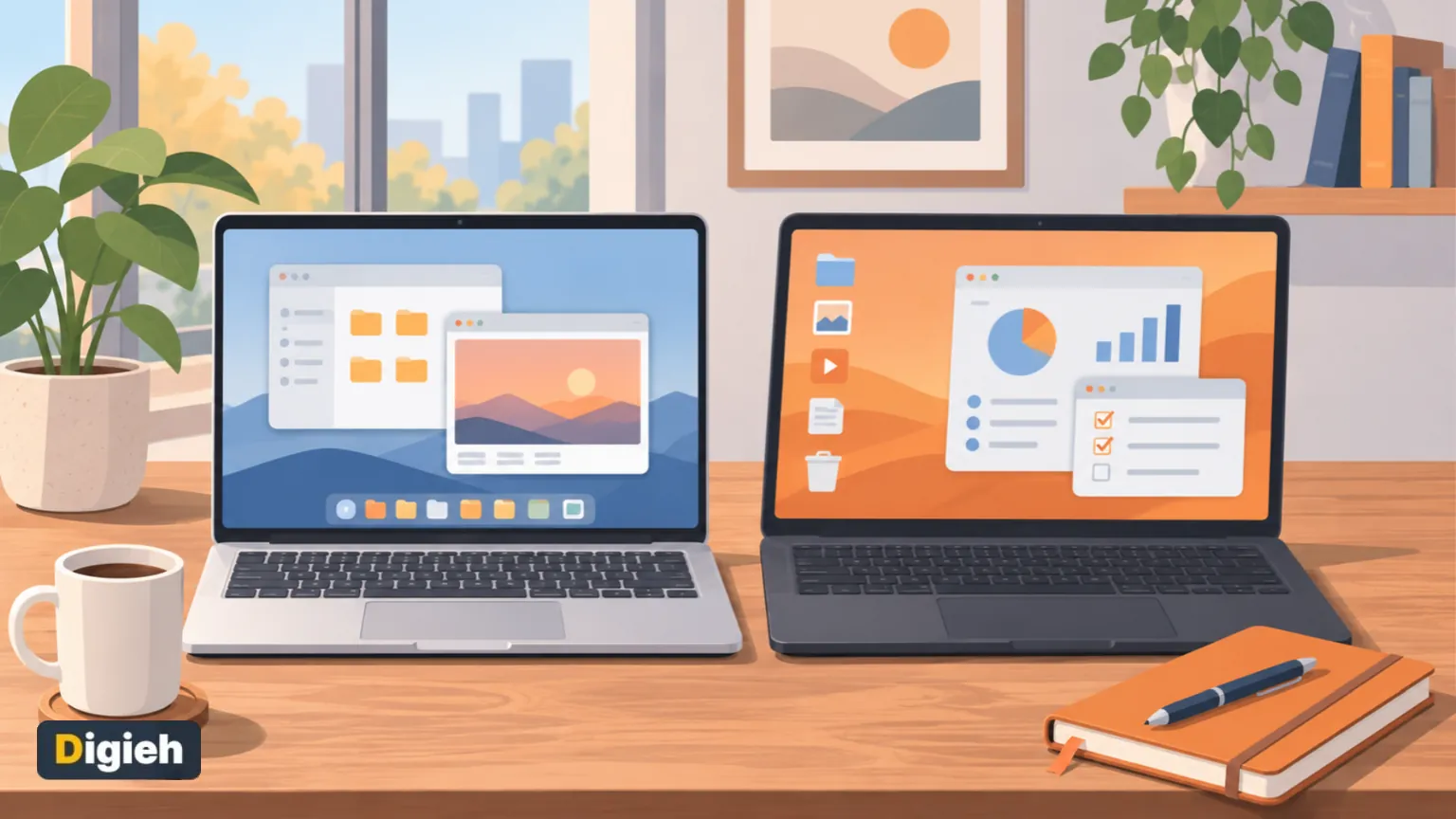
A Mac runs macOS, Apple’s own operating system. Apple designs the computer, the chips and the software together.
A Windows laptop runs Microsoft Windows. Many companies build them, such as Dell, HP, Lenovo, Asus, Acer and Microsoft itself.
That difference affects price, choice and how the system feels day to day. It is the same idea as iPhone vs Android, just on a laptop.
Mac vs Windows Side by Side
| Feature | Mac | Windows laptop |
|---|---|---|
| Who makes it | Apple only | Many brands |
| Price range | Mid to high | Budget to premium |
| Gaming | Limited | Very wide |
| Works best with | iPhone, iPad, Apple Watch | Android, Xbox, many devices |
| Current system | macOS 27 | Windows 11 |
Oct 14, 2025Date Microsoft ended Windows 10 support, per Microsoft Support.
Price and Model Choice
Windows wins on choice. You can buy a basic laptop for school, a thin model for travel or a powerful gaming machine.
Macs cost more to start, and Apple sells fewer models. Still, the base MacBook Air is a popular pick for students and writers.
Upgrades matter too. Most Macs cannot add memory or storage later, so choose enough when you buy.
Quick tip. For most people, aim for at least 16 gigabytes of memory on a new laptop. It keeps the machine fast for years.
Software and Gaming
Most popular apps run on both systems. Web browsers, office suites, streaming apps and video calls all work well.
Some business and engineering programs run only on Windows. Check any special software for your job or school before you buy.
Apple makes some creative apps that only run on Mac, such as Final Cut Pro and Logic Pro. Many video editors and musicians prefer Macs for this reason.
Gaming
Windows is the clear choice for gamers. Most big computer games launch on Windows first, and gaming laptops offer strong graphics cards.
Mac gaming has improved, but the game library is still much smaller. If games matter to you, choose Windows.
What will you mainly use your next laptop for?
- School or office work
- Creative work like video or music
- Gaming
- Not sure
Battery Life and Performance
Reviewers often praise Macs with Apple silicon for long battery life and quiet running. Many models have no fan at all.
Windows laptops vary widely. Some thin models last all day, while gaming laptops often need to stay plugged in.
Read independent reviews for the exact model you want. Makers test battery claims under ideal conditions.
Our guide on how to extend laptop battery life works for both systems.
Updates and Support
Windows
Microsoft stopped supporting Windows 10 on October 14, 2025. Its support page says those computers no longer get security updates.
Microsoft offers a consumer Extended Security Updates program that covers Windows 10 until October 12, 2027. It buys time, but upgrading is the long-term answer.
New laptops ship with Windows 11. Microsoft lists the Windows 11 requirements, including a security chip called Trusted Platform Module version 2.0.
Mac
Apple’s newest system is macOS 27. On Apple’s macOS page, every compatible model listed uses Apple silicon.
That means older Macs with Intel chips will not get the newest version. If you buy a used Mac, choose one with Apple silicon.
Good to know. Never buy a used computer that cannot run a supported system. Without security updates, it is a bigger target for malware.
Ease of Use and Design
Macs have a simple, consistent look across every model. Many people find them easy to learn, especially iPhone users.
Windows feels familiar to most office workers. It also offers more choices in screen size, keyboard style and touchscreens.
Many Windows laptops have touchscreens, fold into tablets or come with pens. Mac users who want to draw often pair their laptop with an iPad.
Screen, Keyboard and Ports
Look closely at the screen. A brighter, sharper display is easier on your eyes during long days.
Test the keyboard and trackpad, because you will touch them every day. Many reviewers praise the large, smooth trackpads on Macs.
Count the ports you need. Many thin laptops have only a few, so you may need an adapter for older drives or displays.
Security and Privacy
Both systems include strong built-in protection when you keep them updated. Windows includes Microsoft Defender, and macOS includes its own malware checks.
Turn on automatic updates and use a strong password or fingerprint login. Download software only from trusted sources.
Back up your files often, whichever system you use. Cloud storage and an external drive together give the best protection.
Free updates
Join the Digieh list
Be the first to know when our weekly brief launches.
No spam. Unsubscribe anytime. Read our Privacy Policy.
Using Your Phone With Your Laptop
Your phone may decide this for you. A Mac and an iPhone share messages, calls, photos and passwords with almost no setup.
Windows has a free app called Phone Link that connects many Android phones. It lets you read texts, see photos and get alerts on your laptop.
Phone Link also offers some iPhone features, though fewer than Apple’s own tools. If you live on your phone all day, match the laptop to it.
Buying Refurbished or Used
A refurbished laptop can save a lot of money. Buy from the maker or a trusted seller that offers a warranty.
Check the battery health and the age of the model. Make sure it can run the current version of its system.
For Macs, that means Apple silicon. For Windows, the laptop should meet the Windows 11 requirements.
Avoid deals that seem too good, especially from strangers online. Ask for the serial number and check that the device is not locked to someone else.
Repairs and Long-Term Costs
Think beyond the price tag. Repairs, accessories and software all add to the total cost over time.
Some Windows laptops let you replace memory, storage or the battery yourself. Most Macs need a repair shop for those jobs.
An extended warranty may make sense for an expensive laptop. Compare its cost with the price of a likely repair, such as a new screen.
Open to a third option? A Chromebook costs less and updates itself, as our guide to Chromebooks explained shows.
Which Is Best for You?
Choose a Mac if you
- Use an iPhone and want things to sync easily
- Want long battery life and a quiet laptop
- Do creative work in Apple apps
Choose Windows if you
- Want the widest range of prices and models
- Play computer games
- Need software that runs only on Windows
- Want a touchscreen or a two-in-one design
Students
Ask your school first. Some courses require Windows-only programs, while others work on any laptop.
Tips Before You Buy
- List the apps you need and check they run on your choice.
- Set a budget that includes a case, mouse and backup drive.
- Choose enough memory and storage, since some laptops cannot upgrade.
- Test the keyboard and trackpad in a store if you can.
- Check the return policy and warranty length.
Once you have it, follow our guide on how to set up a new laptop. It covers updates, backups and security in the first hour.
If your current computer just feels slow, try our tips to speed up a slow computer first. You may not need a new one yet.
Your Laptop Choice Checklist
- My key apps run on this system
- I set a total budget
- The laptop has enough memory and storage
- It runs a supported, current system
- It works well with my phone
- I read reviews for the exact model
Try this today. Write down every app you used this week. Check each one for a Mac or Windows version before you shop.
Test Yourself
When did Microsoft end support for Windows 10?
- October 14, 2025
- January 1, 2024
- October 12, 2027
Microsoft ended Windows 10 support on October 14, 2025. The Extended Security Updates program runs to October 12, 2027.
Which laptop is usually better for computer gaming?
- Mac
- Both are equal
- Windows
Most computer games launch on Windows, and gaming laptops offer strong graphics.
Frequently Asked Questions
Is a Mac better than Windows for students?
Either can work. Check your school’s software needs first, then compare price and battery life.
Can I still use Windows 10?
It still works, but it no longer gets free security updates. Microsoft offers paid or limited extended updates until October 12, 2027.
Do Macs get viruses?
Yes, they can. Keep macOS updated and download apps only from trusted sources.
Conclusion
Choose a Mac for battery life, simplicity and iPhone links. Choose Windows for choice, gaming and special software.
Whatever you pick, make sure it runs a current, supported system and has enough memory to last.
Found this useful?
Editor’s Note
This guide is accurate as of November 9, 2026. It draws on Microsoft Support, Microsoft’s Windows 11 specifications and Apple’s macOS page.
Prices and support dates can change, so check the latest details before you buy.
Spot an error in this article? Please contact us at support@digieh.com or read our Corrections Policy.
Keep exploring
Your next read is waiting
 1FashionHow to Thrift Shop Like a Pro Easily9 min read
 2Fruits & VegetablesCranberry Health Benefits: What Science Says About UTIs9 min read
 3MedicinesDo Probiotics Work? What Science Says About Them9 min read
 4Home & KitchenHow to Remove Red Wine Stains From Anything9 min read
 5AI & TechHow to Use AI for Smarter Holiday Shopping9 min read
 6Food & LifestyleHealthy Christmas Cookies That Still Taste Like Treats9 min read