TRENDING
How to Take a Passport Photo at Home
Take a passport photo at home with your phone. Learn the size and background rules, how to crop to the exact size for free, and how to print it right.

7 min read
Last updated November 22, 2026
A passport photo from a shop can cost more than the passport fee feels worth. The good news is that you can take one at home with a phone.
The hard part is getting the size, light and background exactly right. This guide shows how to do it, step by step, and how to print it at the correct size.
Key Takeaways.
- A United States passport photo is 2 x 2 inches, with the head 1 to 1 3/8 inches tall.
- Ask a helper to take the photo from 4 to 5 feet away, in daylight, against a plain light wall.
- Never use filters, beauty mode or edits on your face.
- Crop with a tool that knows your country’s size, then print at actual size.
- The passport office always makes the final decision, so read its official rules first.
Jump to a section
- The rules you must meet
- Set up your home photo studio
- Take the photo
- Crop it to the exact size
- Print it the right way
- Digital photos for online forms
- Common phone camera mistakes
- Why photos get rejected
- Photos of babies and children
- Frequently Asked Questions
The Rules You Must Meet
Every country has its own size and background rules. Here are two common ones, from the official pages.
| Rule | United States passport | United Kingdom digital photo |
|---|---|---|
| Size | 2 x 2 inches (51 x 51 mm) | At least 600 pixels wide and 750 tall |
| Head | 1 to 1 3/8 inches, chin to top of head | Head, shoulders and upper body shown |
| Background | Plain white or off-white, no shadows | Plain light-colored, clear contrast |
| How recent | Taken in the last 6 months | Taken in the last month |
| Edits | No filters or digital changes | Unaltered by software, no red eye |
Source: United States Department of State and the United Kingdom government, checked November 22, 2026.
Glasses must come off for a United States passport photo, the State Department says. Hats come off too, unless you wear them for religious reasons.
2 x 2 inThe size of a United States passport photo. Your head takes up about half of it.
Set Up Your Home Photo Studio
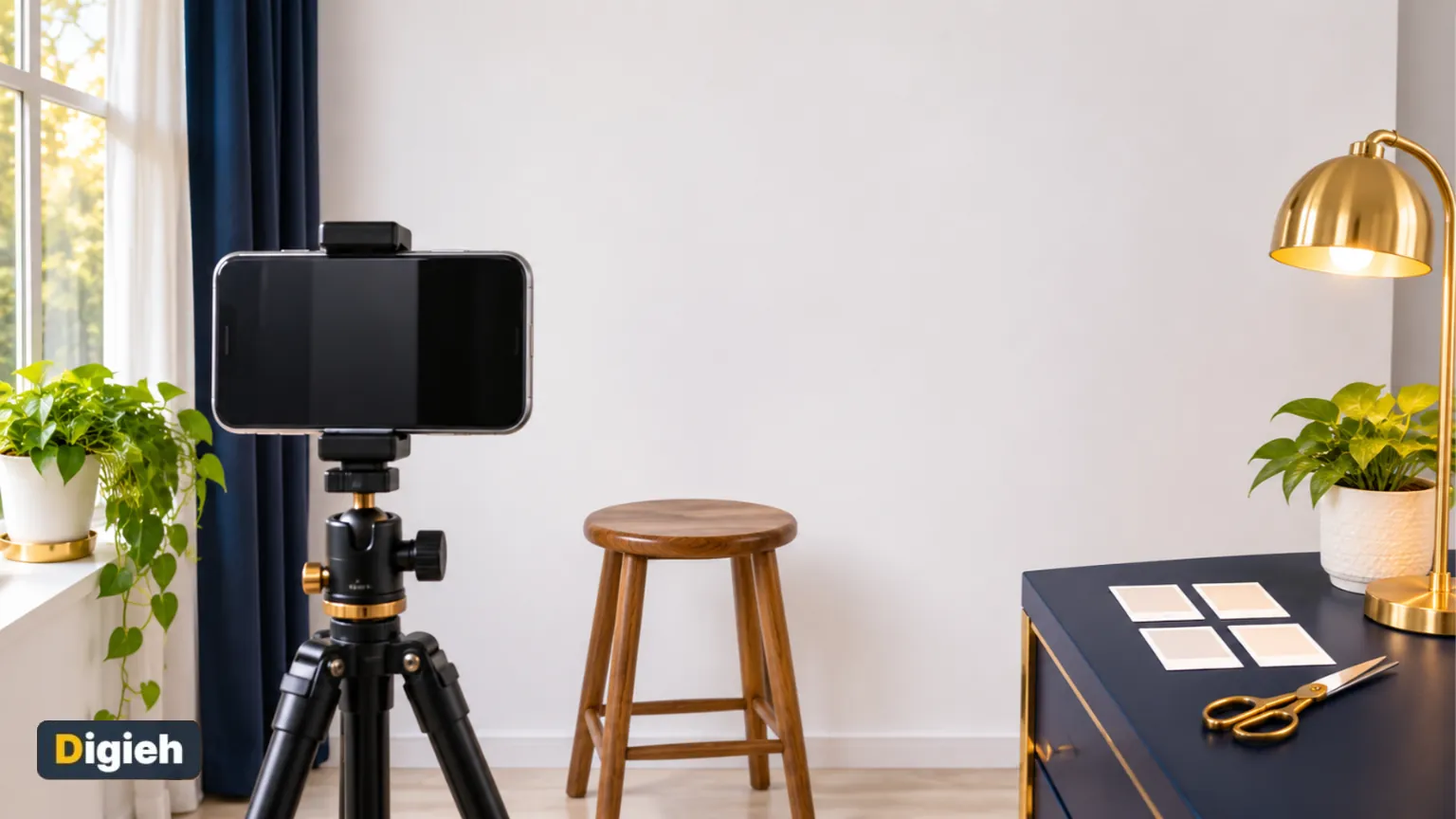
You do not need special gear. A phone, a window and a plain wall are enough.
- Pick a plain white or light wall with nothing on it. Tape up a white sheet if your wall is colored.
- Stand about 1 meter (3 feet) away from the wall, so no shadow falls behind you.
- Face a window in daylight. The light should fall evenly on both sides of your face.
- Turn off portrait mode, beauty mode, filters and high dynamic range (HDR) on the phone camera.
- Use the rear camera. It gives a sharper photo than the front one.
Try this today. Take the photo in the late morning, facing a window but out of direct sun. Soft daylight removes most shadows without any lamps.
Take the Photo
Ask a friend to take the photo from about 4 to 5 feet away. A photo from that distance looks natural.
Close selfies stretch the nose and face, warns PetaPixel in its home photo guide. They also make it hard to fit your head size.
- Look straight at the camera with a neutral face and your mouth closed.
- Keep both eyes open and your head level, not tilted.
- Tuck your hair behind your ears if it covers your face.
- Take 10 or more shots, then pick the sharpest one.
No helper? IDlume has a camera coach with a 3 or 10 second timer. Rest the phone on a shelf at eye level.
How did you get your last passport photo?
- At a shop or pharmacy
- At home with a phone
- In a photo booth
- Not sure
Crop It to the Exact Size
This is where most home photos go wrong. Cropping by eye almost never gives the right head size.
Our free IDlume Passport Photo Maker does the measuring for you. It covers about 100 countries and 248 documents.
How to use IDlume
- Choose your country and document, such as a passport, visa or identity card.
- Add your photo, or take one with the camera coach.
- Digieh AI finds your eyes and chin from face points and places two gold lines.
- Drag a line if it is not exactly at the top of your hair or the bottom of your chin.
- Read the report, then download the digital photo or a print sheet.

IDlume checks the head size, the space around your head, the background, the light and the sharpness. A new “Head is straight” check warns you if your head is tilted.
It never retouches or smooths your face. It only crops and resizes, and it adds no watermark.
For online forms, you can set a minimum and maximum file size. If a form still rejects your file, shrink it with our image compressor.
Free updates
Join the Digieh list
Be the first to know when our weekly brief launches.
No spam. Unsubscribe anytime. Read our Privacy Policy.
Print It the Right Way
IDlume makes a print sheet for common paper sizes. These include 4 x 6 inch photo paper, 5 x 7 inch, A4 and US Letter.
- Print on glossy photo paper, at home or at a photo shop.
- Choose 100 percent or actual size in the print settings.
- Never choose “fit to page”, or the photo will come out the wrong size.
- Measure one photo with a ruler before you cut them all.
The State Department also says a photo cannot be a photocopy or a scan of another photo.
Digital Photos for Online Forms
More countries now let you renew online and upload a photo instead of mailing prints. That makes a sharp digital file just as important as a good print.
The United Kingdom asks for a digital photo at least 600 pixels wide and 750 pixels tall. The file must be between 50 KB and 10 MB, says the United Kingdom government.
- Download the digital photo from IDlume, not a screenshot of it.
- If a form sets a file size limit, type it into the minimum and maximum boxes before you download.
- Keep the photo in color. Black and white or filtered photos are rejected.
- Do not crop the file again after IDlume makes it, or the head size may change.
Some online systems crop the photo for you. In that case, upload the full, uncropped shot and follow the on-screen guide.
Common Phone Camera Mistakes
Phones are great cameras, but some of their smart features work against a passport photo.
- Portrait mode blurs the background and can blur the edges of your hair.
- Beauty mode smooths skin, which counts as an edit.
- Wide lenses close up make the nose look bigger. Step back and zoom a little instead.
- Night mode can add noise and odd colors. Shoot in daylight.
If your photo looks soft, wipe the camera lens first. A fingerprint on the lens is a common cause of blurry shots.
Why Photos Get Rejected
| Problem | How to avoid it |
|---|---|
| Head too big or too small | Crop with country guide lines, not by eye |
| Shadow on the face or wall | Face a window and step away from the wall |
| Blurry or grainy photo | Use the rear camera in good light, and pick the sharpest shot |
| Glasses or glare | Take glasses off for United States photos |
| Filters or edits | Turn off beauty mode and never smooth the skin |
| Printed at the wrong size | Print at actual size and measure one photo |
Source: United States Department of State photo rules, plus the checks built into IDlume.
What print setting keeps a passport photo the right size?
- Actual size, or 100 percent
- Fit to page
- Borderless zoom
Fit to page shrinks or stretches the photo. Always print at actual size.
Photos of Babies and Children
Babies can have their eyes partly closed in many countries, but the face must be clear. No hands, toys or dummies can show.
For a baby under one, the United Kingdom government suggests a plain light sheet. Take the photo from above.
IDlume adds baby checks to its final list when you choose a child document. You confirm each one before you download.
Frequently Asked Questions
Can I take my own passport photo at home?
Yes, for many countries. Ask a helper to take it, follow the size and background rules, and print at actual size. The United Kingdom asks for a helper during its online application.
Is IDlume free?
Yes. Making, checking and downloading your photo and print sheets is free with no sign-up and no watermark. The optional background tidy has 3 free uses a day.
Will my photo be accepted?
IDlume follows the published rules and checks the most common problems. The passport or visa office always makes the final decision.
Where can I find more free tools?
See all our tools on the Digieh free online tools page. Renewing soon? Read our guide on how to renew a passport online.
Editor’s Note
This article is accurate as of November 22, 2026. Photo rules come from the United States Department of State and the United Kingdom government. Check your own passport office before you apply, because rules can change.
Spot an error in this article? Please contact us at support@digieh.com or read our Corrections Policy.
Keep exploring
Your next read is waiting
 1HealthMigraine vs Headache: How to Tell the Difference7 min read
 2AI & TechHow to Turn Off AI in Everyday Apps7 min read
 3TechnologyHow to Make QR Code Labels for Shops7 min read
 4NewsVerstappen Wins 2026 Las Vegas Grand Prix: Results4 min read
 5Finance & MarketsThe World’s 10 Biggest IPOs in History, Ranked5 min read
 6Pets & AnimalsDog Vomiting: Causes, Home Care and Vet Signs7 min read
Found this useful?