TRENDING
Holiday Photo Tips: Take Better Pictures With Your Phone
Take better holiday photos with your phone using 10 easy tips. Use natural light, night mode, portrait mode and simple edits, and capture holiday lights well.

8 min read
Last updated November 6, 2026
To take better holiday photos with your phone, use soft natural light and wipe your lens first. Tap the screen to focus, and turn on night mode for indoor or low-light shots. Get closer instead of zooming, and take candid photos while people relax and laugh.
You do not need a fancy camera to capture great memories. These simple tips work on most iPhone and Android phones.
Always ask before posting photos of other people, especially children, on social media.
Key Takeaways
- Clean your lens before every photo session.
- Soft window light beats harsh overhead light.
- Night mode helps with dim indoor scenes.
- Move closer instead of using digital zoom.
- Back up photos so you never lose them.
On This Page
- Before You Shoot
- 10 Tips for Better Holiday Photos
- Photographing Holiday Lights
- Simple Editing Tips
- After the Party
- Plan the Shots You Want
- Tips for Great Group Photos
- Take Better Photos of Kids
- Photograph Holiday Food
- Photograph Pets
- Capture Short Video Clips Too
- Respect Privacy
- Turn Photos Into Keepsakes
- Organize Photos Right Away
- Take Photos in Low Light
Before You Shoot
Wipe your lens with a soft cloth. Fingerprints make photos look blurry and hazy.
Apple Support explains the iPhone camera basics.
Check that you have enough storage and battery. A small power bank helps at long parties.
10Easy phone camera tips for brighter, sharper holiday photos.
10 Tips for Better Holiday Photos
1. Use Natural Light
Stand people near a window during the day. Soft light flatters faces.
2. Tap to Focus
Tap the screen on your subject. Slide your finger to adjust brightness if needed.
3. Turn On Night Mode
For evening shots, night mode brightens scenes without the flash.
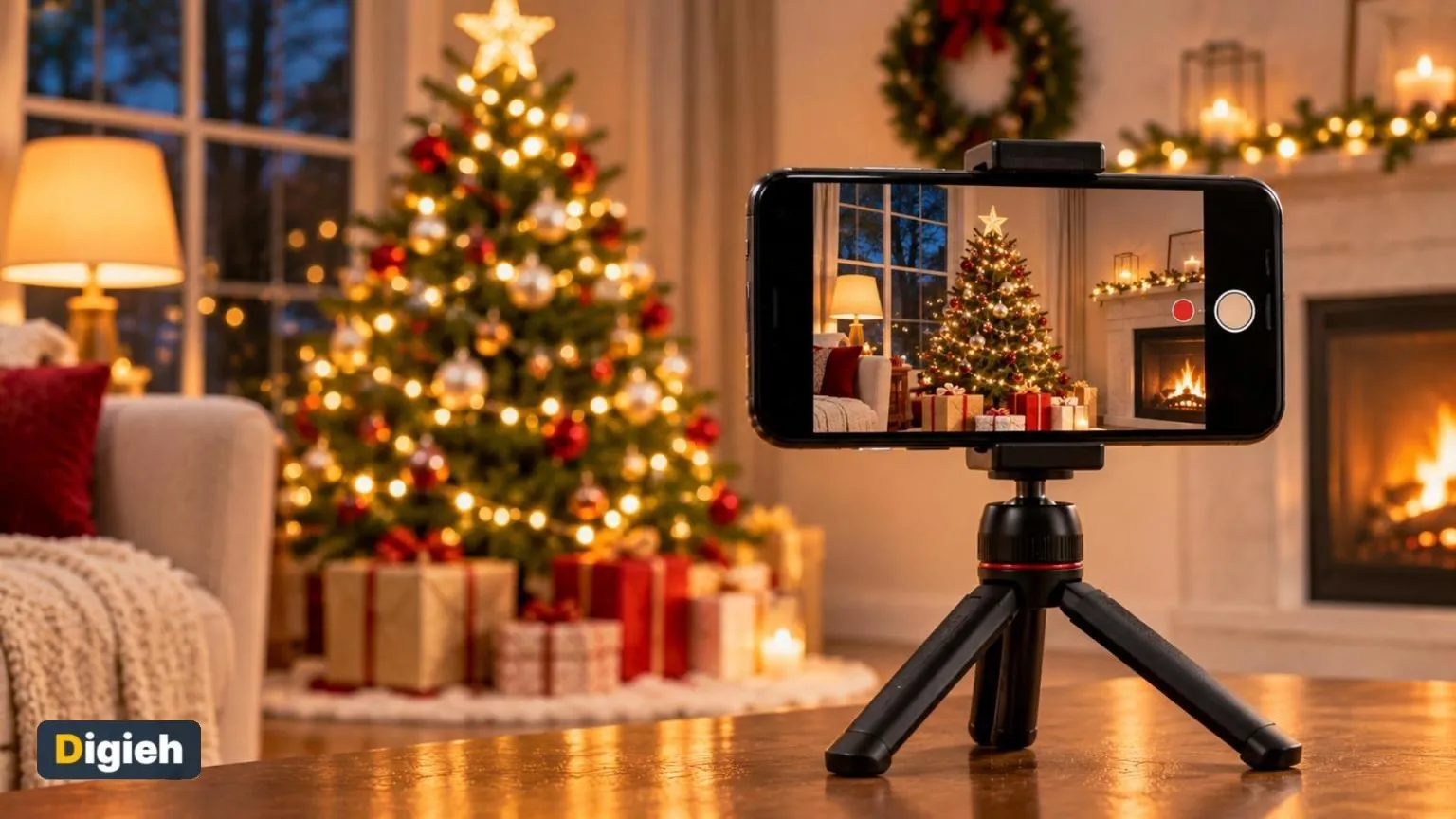
Quick tip. Rest your phone on a table or shelf for night shots. It keeps the camera steady.
4. Skip the Flash
Flash often creates harsh shadows and red eyes. Use it only when needed.
5. Get Closer
Digital zoom lowers quality. Walk closer to your subject instead.
6. Use the Grid
Turn on the camera grid. Place people along the lines for balanced shots.
What do you photograph most during the holidays?
- Family
- Food
- Decorations
- Not sure
7. Try Portrait Mode
Portrait mode blurs the background and makes faces stand out.
8. Capture Candid Moments
Some of the best photos happen between poses. Keep shooting while people laugh and talk.
9. Use Burst Mode
Hold the shutter for action shots, like kids opening gifts. Pick the best frame later.
10. Get in the Photo
Use a timer or tripod so the photographer is in the picture too.
Use this calculator to see how much storage your photos need.
Photo storage estimator
Good to know. This estimate assumes about 3 megabytes (MB) per photo, measured in gigabytes (GB). Videos use much more space.
Photographing Holiday Lights
| Setting or trick | Why it helps |
|---|---|
| Night mode | Brightens dark scenes |
| Steady hands or tripod | Prevents blur |
| Turn off flash | Keeps the light glow natural |
| Shoot at dusk | Balances sky and lights |
- Clean your lens
- Charge your phone
- Find window light
- Turn on the grid
- Use night mode after dark
- Back up your photos
Simple Editing Tips
A quick edit can make a good photo great. Most phones have a built-in editor.
Google Photos Help explains how to edit photos.
- Crop to remove clutter around the edges.
- Straighten tilted shots.
- Brighten dark photos a little, but avoid overdoing it.
- Try the auto enhance button for a fast fix.
Save your edits as a copy so you keep the original.
After the Party
Delete blurry shots and duplicates. Then back up your favorites to the cloud or a computer.
Back up your photos, as Google Photos Help explains.
Share an album with family so everyone can enjoy the memories.
Add to calendar
Plan the Shots You Want
A simple shot list helps you capture the moments that matter most. It keeps you from missing key photos.
- A group photo of everyone together
- Kids opening gifts or decorating
- The holiday table before the meal
- Close-ups of decorations and food
- Grandparents with grandchildren
- Pets in festive outfits
Take the group photo early, before people leave or get tired. Everyone looks fresher at the start of the party.
Tips for Great Group Photos
Group photos can be tricky with many people. A few simple tricks help.
| Problem | Fix |
|---|---|
| Someone blinks | Take several shots in a row |
| People are hidden | Place taller people in the back |
| Faces look dark | Face people toward the light |
| Stiff smiles | Tell a joke or ask everyone to laugh |
| Photographer is missing | Use a tripod and timer |
Count down out loud so everyone knows when to smile. Take a few extra shots right after, when people relax.
Take Better Photos of Kids
Kids move fast and rarely sit still. Patience and timing help.
- Get down to their eye level.
- Use burst mode for action.
- Capture them playing instead of posing.
- Let them hold a favorite toy or ornament.
- Keep sessions short and fun.
Some of the sweetest photos happen when kids do not notice the camera. Stay ready and keep shooting.
Photograph Holiday Food
Holiday food deserves a great photo. A few tricks make dishes look delicious.
Shoot near a window for soft, natural light. Avoid harsh overhead lights and flash.
Try different angles. Shoot flat dishes like pies from above, and tall dishes like cakes from the side.
Clean up spills and crumbs around the plate. Add a simple background like a wooden board or plain tablecloth.
Photograph Pets
Pets love to join holiday fun. Capturing them takes a bit of patience.
Use treats or toys to get their attention. Make a small sound to make them look at the camera.
Turn on burst mode for active pets. Keep sessions short so your pet stays happy.
Never force a pet into costumes or poses that stress them. Comfort matters more than the perfect shot.
Free updates
Join the Digieh list
Be the first to know when our weekly brief launches.
No spam. Unsubscribe anytime. Read our Privacy Policy.
Capture Short Video Clips Too
Photos freeze a moment, but short videos capture voices and laughter. A mix of both tells the full story.
- Record kids’ reactions as they open gifts.
- Film a quick toast or greeting from grandparents.
- Capture the table before everyone eats.
- Hold your phone sideways for wider shots.
- Keep clips short, about 10 to 30 seconds.
Short clips are easier to share and take less storage. You can join them into a holiday video later.
Respect Privacy
Not everyone wants their photo shared online. Be thoughtful about posting holiday pictures.
Ask guests before you post photos that show them. Be extra careful with photos of other people’s children.
Check that photos do not show your address, house number or valuable items. Strangers can see what you post publicly.
Use private albums to share photos with family. Many photo apps make this easy.
Turn Photos Into Keepsakes
Holiday photos make wonderful keepsakes and gifts. Give your favorites a life beyond your phone.
- Print a small photo book of the season.
- Make a calendar for grandparents.
- Frame a favorite family photo.
- Create holiday cards with your best shot.
Many photo services offer simple online tools. Order early, since printing gets busy in December.
Organize Photos Right Away
Sorting photos soon after the holidays saves time later. Memories stay fresh too.
Create an album for each event or year. Add a few words about who was there and what happened.
Take Photos in Low Light
Holiday evenings often happen in dim rooms. Phones can still take good low-light photos with a few tricks.
Turn on more lamps instead of using the flash. Soft, warm light looks natural and flattering.
Hold your phone steady with both hands, or rest it on a table. Night mode needs a few seconds of stillness.
Ask people to stay still for a moment when the camera is working. Blurry faces often come from movement.
Holiday Photo Mistakes to Avoid
Some habits can ruin great holiday moments on camera. Watch out for these common mistakes.
- Shooting with a dirty phone lens
- Using zoom instead of moving closer
- Standing people in front of bright windows
- Taking only posed photos
Wipe your lens with a soft cloth before you start. A clean lens gives clearer photos.
Capture Real Moments
The best holiday photos often show real emotions. Look for small moments between people.
Take photos of hands opening gifts, kids laughing and families cooking together. These candid shots tell a story.
Back Up Your Photos
Save your holiday photos to cloud storage or a computer. This protects your memories if your phone is lost.
Print a few favorites each year to enjoy them away from screens.
Label albums by year.
Try this today. Wipe your phone camera lens with a soft cloth right now. Take one photo near a window to test the difference.
Test Yourself
What is better than digital zoom?
- Using flash
- Moving closer
- Shaking the phone
Moving closer keeps full image quality.
Which mode helps with dim indoor scenes?
- Night mode
- Airplane mode
- Low power mode
Night mode brightens low-light photos.
In related news, read Why 4 Irish Beaches Are Among Europe’s Best.
Before you share your holiday photos online, learn how to remove location from photos so they stay private.
Want to bring your holiday photos to life? Learn how to make a GIF from photos in minutes.
Frequently Asked Questions
How do I take better photos indoors?
Use window light during the day and night mode in the evening.
Should I use the flash?
Usually not. It can create harsh shadows. Try night mode first.
How do I photograph Christmas lights?
Turn off the flash, hold steady and try shooting at dusk.
What is burst mode?
It takes many photos quickly, so you can pick the best one.
How do I take a good group photo?
Place taller people in back, face everyone toward the light and take several shots.
How do I photograph kids who will not sit still?
Get to their eye level, use burst mode and capture them playing.
Should I post holiday photos of other people’s kids?
Ask their parents first, and consider sharing in private albums instead.
What can I make with holiday photos?
Photo books, calendars, framed prints and holiday cards all make great keepsakes.
Wrapping Up
Wipe your lens and try night mode at your next gathering. Small changes make a big difference in your holiday photos.
Keep your memories safe with our phone backup guide. Free up room with our tips to speed up a slow phone.
Found this useful?
Editor’s Note
This guide is accurate as of November 6, 2026. Camera features vary by phone model.
Spot an error in this article? Please contact us at support@digieh.com or read our Corrections Policy.
Keep exploring
Your next read is waiting
 1HealthJaw Pain and TMJ Disorder: Causes and Relief7 min read
 2Pets & AnimalsKennel Cough in Dogs: Signs, Treatment and Recovery7 min read
 3Beauty & Personal CareDandruff vs Dry Scalp: Signs, Causes and Treatment7 min read
 4Home & KitchenFridge Without Power: How Long Food Stays Safe7 min read
 5MedicinesIs Sugar an Electrolyte? The Simple Science Answer7 min read
 6HealthRaynaud’s: Cold Fingers, Triggers and When to Worry7 min read