TRENDING
How to Spot Phishing Emails: 5 Warning Signs
Learn how to spot phishing emails before you click. Check the sender, hover over links, watch for urgent requests and know what to do if you clicked a link.

8 min read
Last updated November 8, 2026
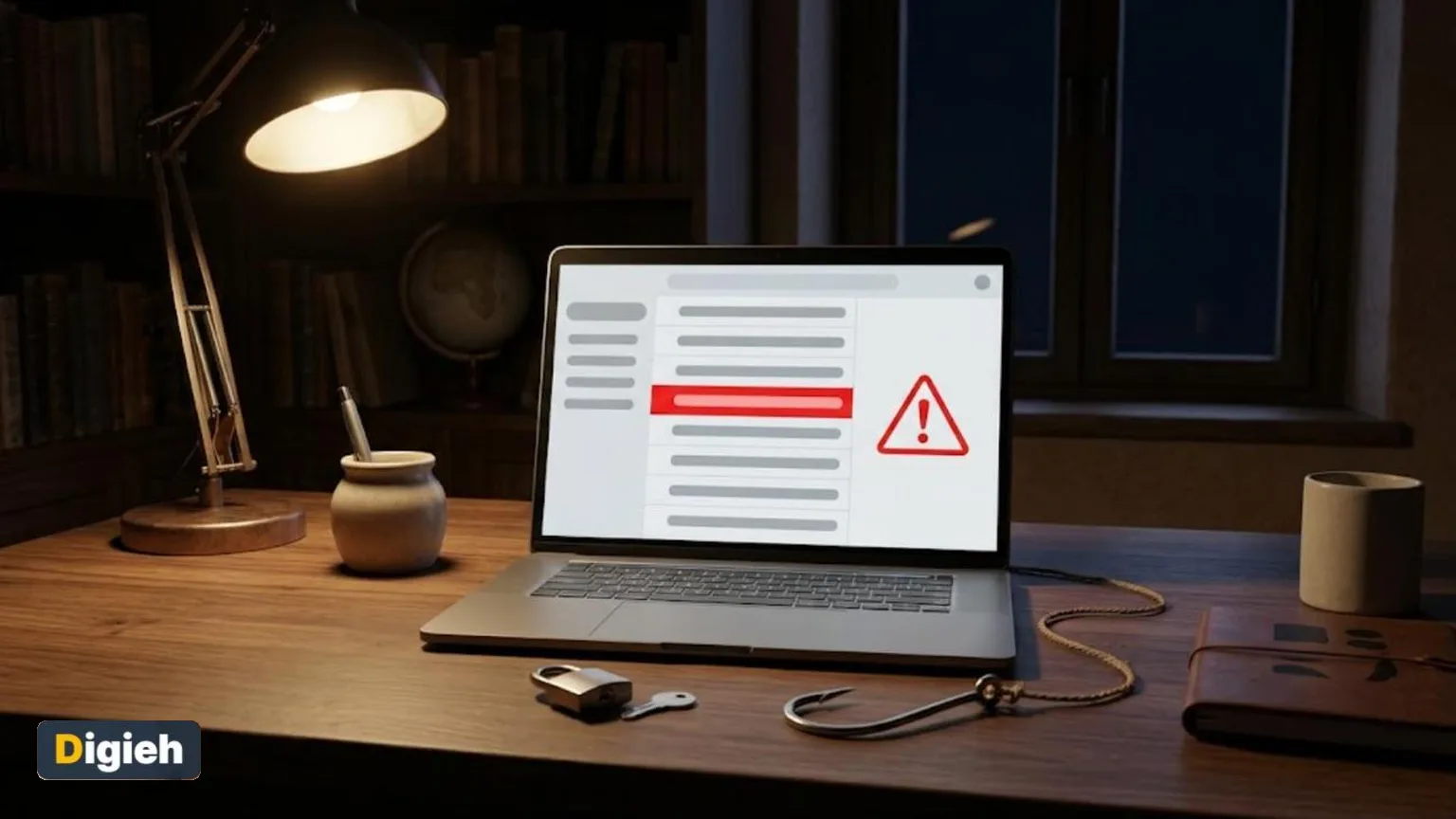
To spot phishing emails, check the sender’s real address and hover over links before you click. Watch for urgent threats, prize offers and requests for passwords or payment details. When in doubt, go to the company’s website yourself instead of using the email link.
Phishing emails try to trick you into sharing private information. They often look like messages from banks, stores or delivery companies.
Key Takeaways
- Check the full sender address.
- Hover over links before you click.
- Be wary of urgent or scary language.
- Never share passwords by email.
- Report and delete suspicious messages.
On This Page
- What Phishing Looks Like
- Warning Signs to Watch For
- How to Check a Suspicious Email
- Real vs Fake Messages
- What to Do If You Clicked
- Common Phishing Themes
- Watch for Text Message Phishing
- Phone and Voice Scams
- Scams Written by Chatbots Look Real
- Beware of Fake Scan Codes
- Spot Fake Login Pages
- Turn On Multifactor Authentication
- Use Strong, Unique Passwords
- Report Phishing
- If Someone Steals Your Identity
- Help Older Relatives Stay Safe
- Teach Kids About Phishing
- Phishing at Work
What Phishing Looks Like
Scammers copy logos and layouts from real companies. The email may claim your account has a problem or a package is waiting.
The goal is to get you to click a fake link. That link often leads to a page that steals your login.
10 secIs all it takes to check a sender and hover over a link.
Warning Signs to Watch For
- The sender address does not match the company name.
- The greeting is generic, like “Dear customer.”
- The message pushes you to act right now.
- Spelling and grammar look sloppy.
- You see an unexpected attachment.
How to Check a Suspicious Email
1. Read the Sender Address
Tap or click the sender name to see the full address. Look for odd spellings or extra words.
2. Hover Over Links
On a computer, rest your mouse on the link. The real web address appears at the bottom of the screen.
Quick tip. On a phone, press and hold a link to preview the address without opening it.
3. Think About the Request
Real companies rarely ask for passwords or card numbers by email. Treat these requests as red flags.
4. Contact the Company Directly
Open a new browser tab and type the company’s address yourself. Log in there to check your account.
5. Report and Delete
Use your email app’s report phishing button. Then delete the message.
Have you ever received a phishing email?
- Yes, many
- Once or twice
- Not sure
- Never
Real vs Fake Messages
| Clue | Real Email | Phishing Email |
|---|---|---|
| Greeting | Uses your name | Generic or none |
| Tone | Calm and informative | Urgent or threatening |
| Links | Match the company site | Odd or shortened addresses |
| Requests | No passwords needed | Asks for login or payment |
Use this checker to count the warning signs in a message.
Phishing warning sign counter
Good to know. Banks and stores will never ask for your full password by email.
- Sender address checked
- Links previewed
- Request makes sense
- Company contacted directly
- Message reported
- Message deleted
Breaches often lead to phishing. After the November 2026 vendor breach, here is what Chase customers should watch for.
What to Do If You Clicked
Do not panic. Close the page right away and do not enter any details.
If you typed a password, change it now. Change it on any other site where you used it.
Turn on two-factor authentication for important accounts. Watch your bank statements for odd charges.
Protect Yourself Going Forward
Keep your phone, computer and browser updated. Updates fix security holes.
Use a password manager. It will not fill in your login on a fake site.
Add to calendar
Common Phishing Themes
Scammers follow the news and the calendar. Their messages often match what people expect at the time.
- Package delivery problems during the holidays
- Bank or card alerts about strange charges
- Tax refund notices in spring
- Job offers that seem too good to be true
- Prize or gift card wins
Knowing these themes helps you pause before you click. Be extra careful with any message that asks you to act fast.
Watch for Text Message Phishing
Phishing also arrives by text message. This is often called smishing.
Fake package tracking texts are very common. The United States Postal Inspection Service (USPIS) warns about smishing and package tracking scams.
Do not tap links in unexpected texts. Go to the shipper’s website or app yourself to check tracking.
Scammers also abuse app flaws. WhatsApp fixed one used in a scam campaign in November 2026, see the safe versions.
Phone and Voice Scams
Some scammers call instead of emailing. They may pretend to be from your bank, a tech company or a government agency.
Hang up if a caller pressures you to pay or share codes. Call back using a number from your card or the company’s official website.
Never share one-time passcodes with anyone who calls you. Real companies will not ask for them.
Scams Written by Chatbots Look Real
Artificial intelligence (AI) tools help scammers write clean, convincing messages. Spelling mistakes are no longer a reliable warning sign.
Focus on what the message asks you to do. Requests for passwords, payment or urgent action are still red flags.
Some scammers even clone voices from short audio clips. Agree on a family code word for emergencies.
Beware of Fake Scan Codes
Quick response (QR) codes can hide dangerous links. Scammers place fake codes on flyers, parking meters and emails.
Check the website address that appears before you open it. Make sure it matches the real business.
Avoid scanning codes from unexpected emails. Type the website address yourself instead.
Spot Fake Login Pages
Phishing links often lead to pages that look like real login screens. They steal whatever you type.
Check the web address carefully before entering a password. Look for small misspellings or extra words.
Use bookmarks for sites you visit often, like your bank. A password manager also helps, since it will not fill in passwords on fake sites.
Free updates
Join the Digieh list
Be the first to know when our weekly brief launches.
No spam. Unsubscribe anytime. Read our Privacy Policy.
Turn On Multifactor Authentication
Multifactor authentication (MFA) adds a second step when you sign in. Even if a scammer steals your password, they still need the second step.
The Cybersecurity and Infrastructure Security Agency (CISA) urges everyone to turn on multifactor authentication (MFA). Start with email, banking and social media accounts.
An authenticator app or security key offers stronger protection than text codes. Our guide on how to turn on two-factor authentication walks you through it.
Use Strong, Unique Passwords
Reusing passwords lets one stolen password unlock many accounts. Give every account its own password.
The security agency shares tips on using strong passwords. Long passphrases are easier to remember and harder to crack.
A password manager can create and store passwords for you. You only need to remember one strong main password.
Report Phishing
Reporting helps stop scammers from targeting others. Forward phishing emails to the company the scammer pretended to be.
The Federal Trade Commission (FTC) explains how to recognize and avoid phishing scams. You can also report scams at ReportFraud.ftc.gov.
Use your email’s “report phishing” or “report spam” button. Then delete the message.
If Someone Steals Your Identity
Phishing can lead to identity theft. Act quickly if you notice strange accounts or charges.
Visit IdentityTheft.gov to report it and get a recovery plan. The site walks you through each step.
Contact your bank and change passwords on affected accounts. Consider freezing your credit with the three credit bureaus.
Help Older Relatives Stay Safe
Scammers often target older adults. Talk with your parents or grandparents about common tricks.
Encourage them to call you before acting on any urgent message. Set up their devices with strong passwords and updates.
Keep the conversation friendly, not scary. Anyone can fall for a well-made scam.
Teach Kids About Phishing
Kids and teens get scam messages too, often through games and social media. Fake prizes and free game currency are common lures.
Teach them never to share passwords or personal details. Tell them to show you any message that seems strange.
Practice with real examples together. Spotting fakes can become a fun family challenge.
Phishing at Work
Workplace phishing often targets money or company data. Fake invoices and messages from “the boss” are common.
Verify unusual payment requests by phone or in person. Never change bank details based on an email alone.
Report suspicious messages to your information technology (IT) team right away. Quick reports protect your coworkers too.
If you are ever unsure, do not click anything in the email. Open a new browser tab and go to the company website yourself.
Try this today. Open your email spam folder and look at three messages. Find at least one warning sign in each, like a strange sender or urgent demand.
Attackers now use tools powered by artificial intelligence. Read about the European Commission cyberattack for a real example.
Test Yourself
What should you do before clicking an email link?
- Click fast
- Reply to the sender
- Hover to see the real address
The real address shows where the link goes.
What should you do if you typed your password on a fake site?
- Change it right away
- Wait and see
- Delete your email app
A quick change stops scammers from using it.
Big outages bring fake login emails. See what happened in the recent Microsoft Outlook outage.
Frequently Asked Questions
Can I get hacked just by opening an email?
It is rare. The risk usually comes from clicking links or opening attachments.
What is spear phishing?
It is a targeted scam that uses your name or job details to seem real.
Do phishing scams come by text too?
Yes. Text scams are often called smishing.
Where can I report phishing?
Use your email app’s report button. You can also forward scam emails to the real company the scammers copied.
Is it safe to open a phishing email?
Opening it is usually low risk. The danger comes from clicking links, opening attachments or replying.
Can my phone get hacked from a text message?
Most risk comes from tapping links or sharing codes. Keep your phone updated and avoid unknown links.
Wrapping Up
Take 10 seconds to check the sender and hover over links before you click. That small pause stops most scams.
Learn more in our holiday scams guide. Stay safe with new tools using our artificial intelligence (AI) chatbot safety tips.
Found this useful?
Editor’s Note
This guide is accurate as of November 6, 2026. Scam tactics change often, so stay alert.
Spot an error in this article? Please contact us at support@digieh.com or read our Corrections Policy.
Keep exploring
Your next read is waiting
 1Home & KitchenFridge Without Power: How Long Food Stays Safe7 min read
 2HealthOzempic Blurry Vision: Normal Side Effect or NAION?9 min read
 3Pets & AnimalsHow to Choose Dog Food: Reading the Label7 min read
 4Beauty & Personal CareDandruff vs Dry Scalp: Signs, Causes and Treatment7 min read
 5MedicinesIs Sugar an Electrolyte? The Simple Science Answer7 min read
 6HealthRestless Legs Syndrome: Symptoms, Causes and Night Relief7 min read